Every deadline in view, in good time
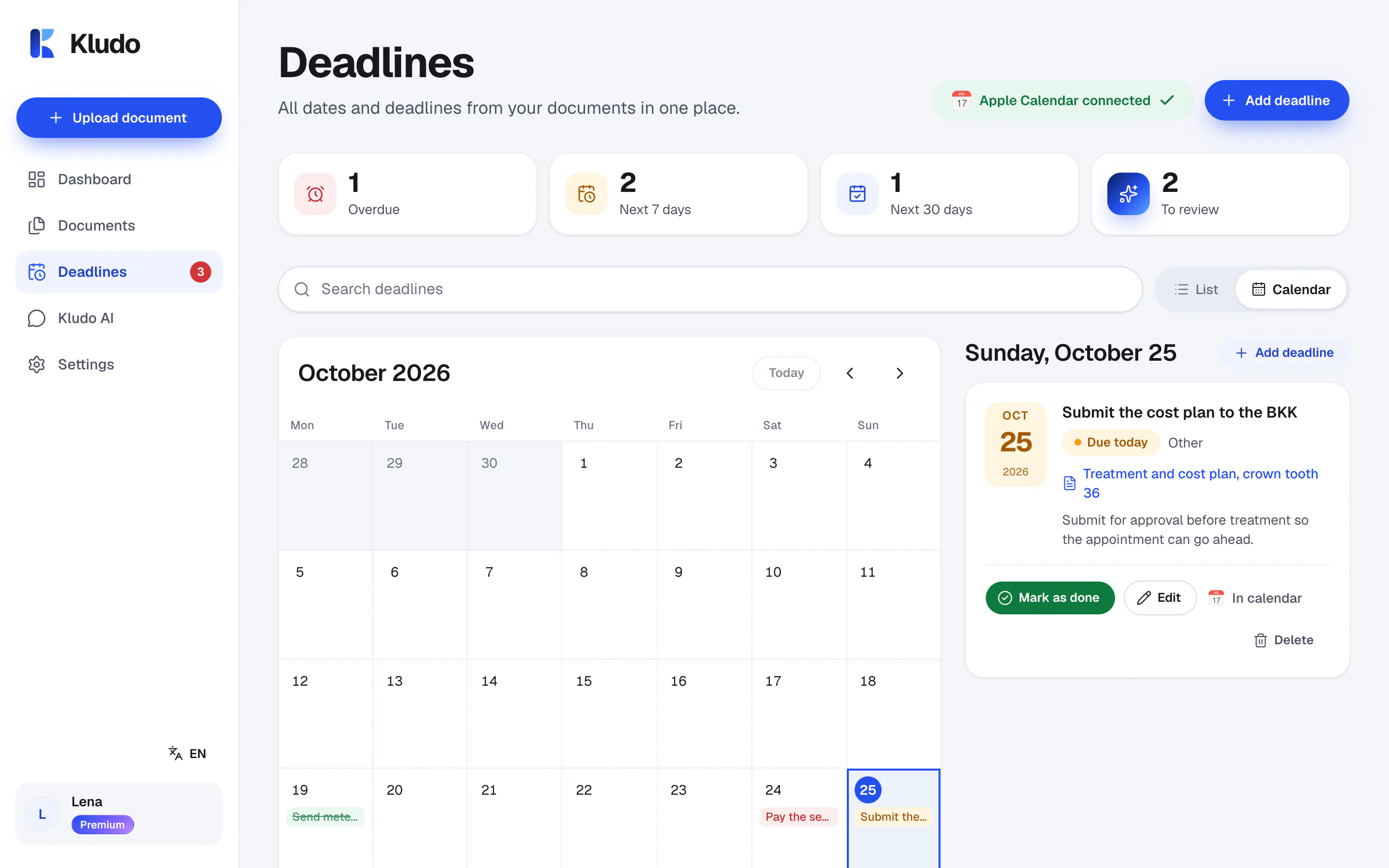
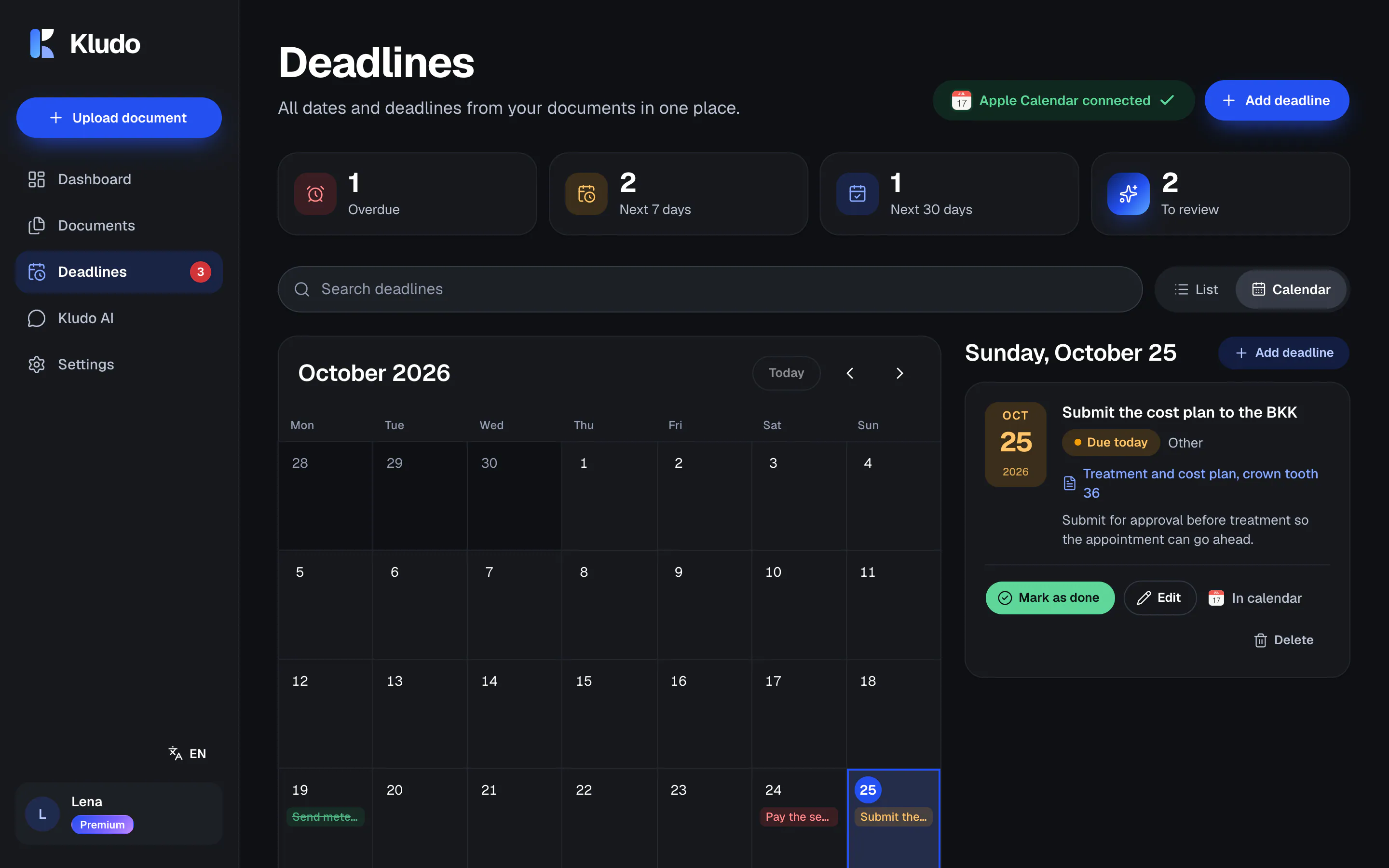
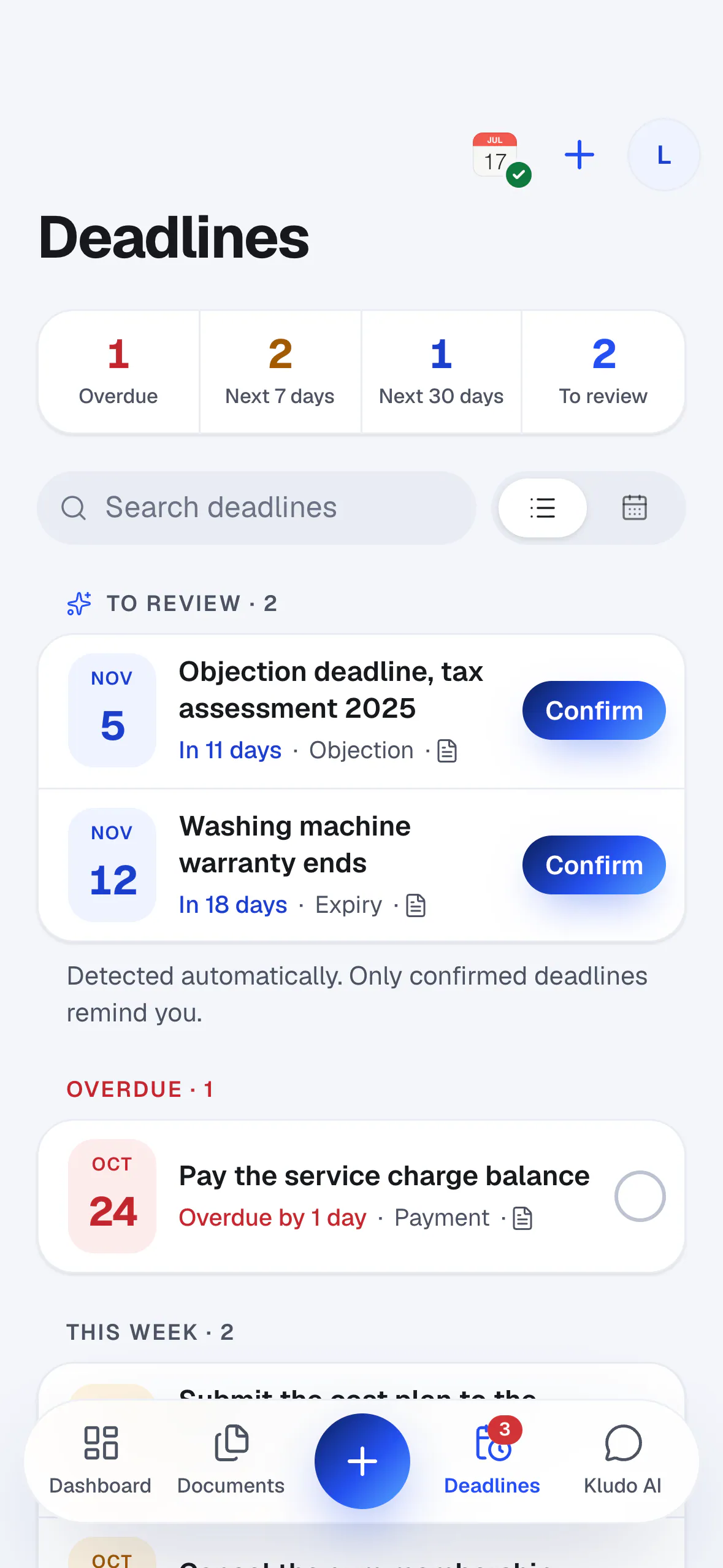
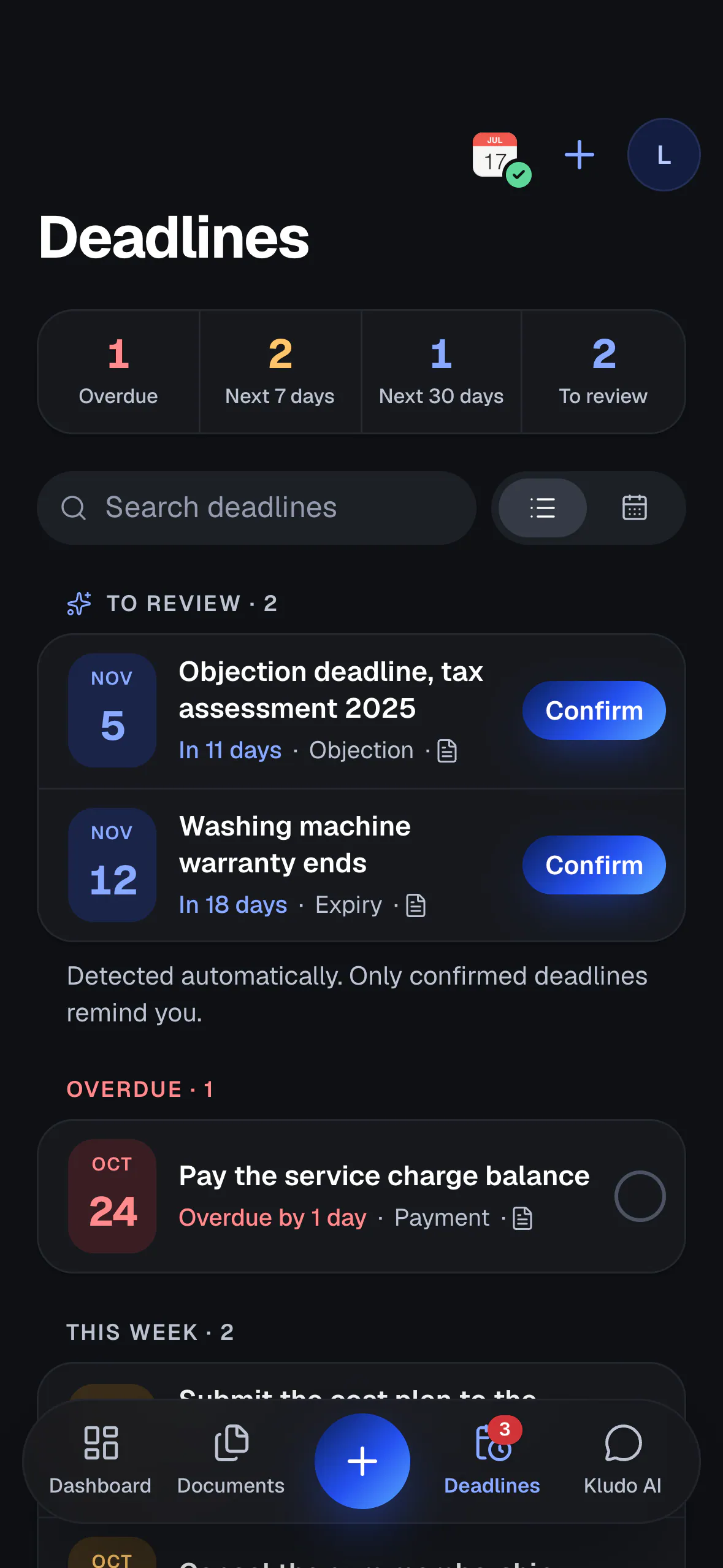
Kludo finds the deadlines in your documents and sorts them by urgency. Overdue items come first, and upcoming deadlines appear while there is still time to act.
Spotted for you
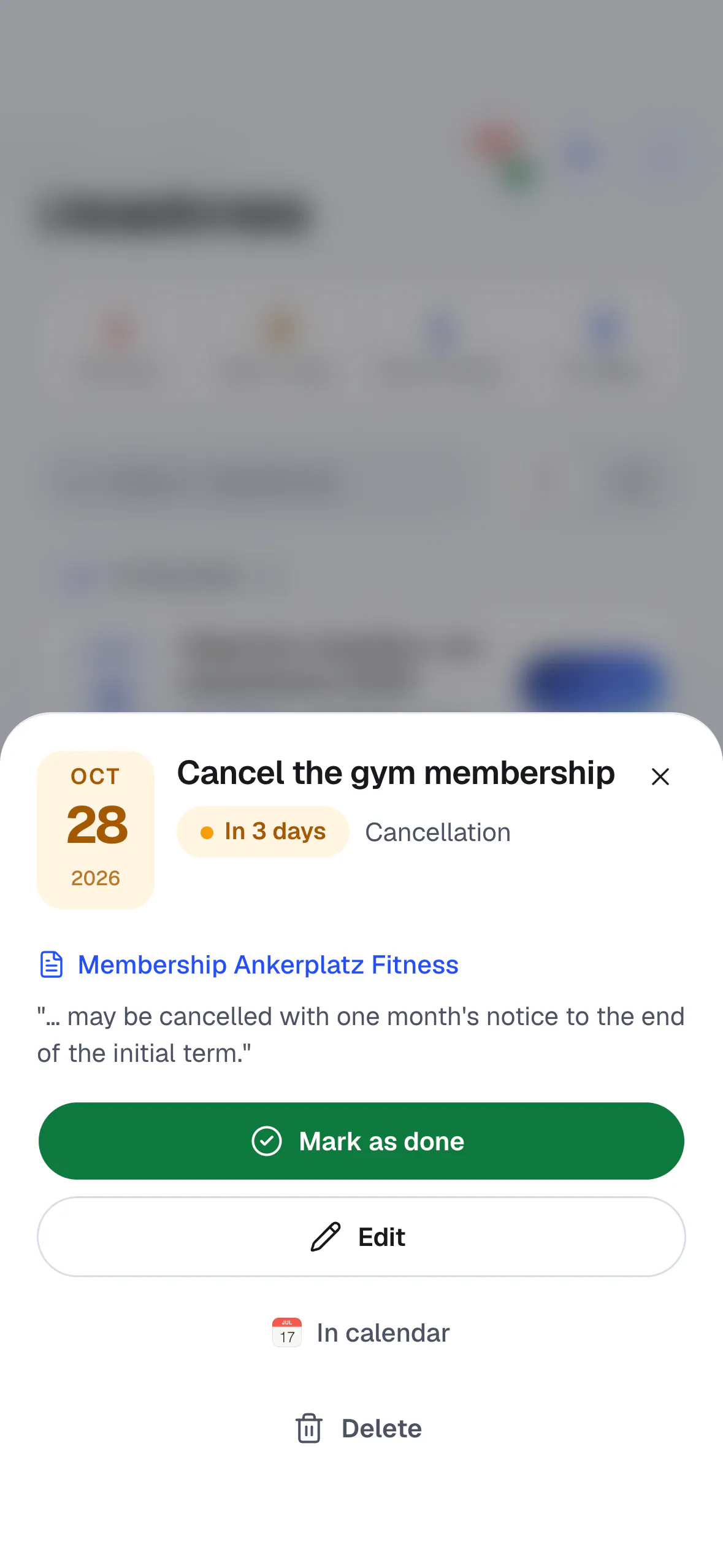
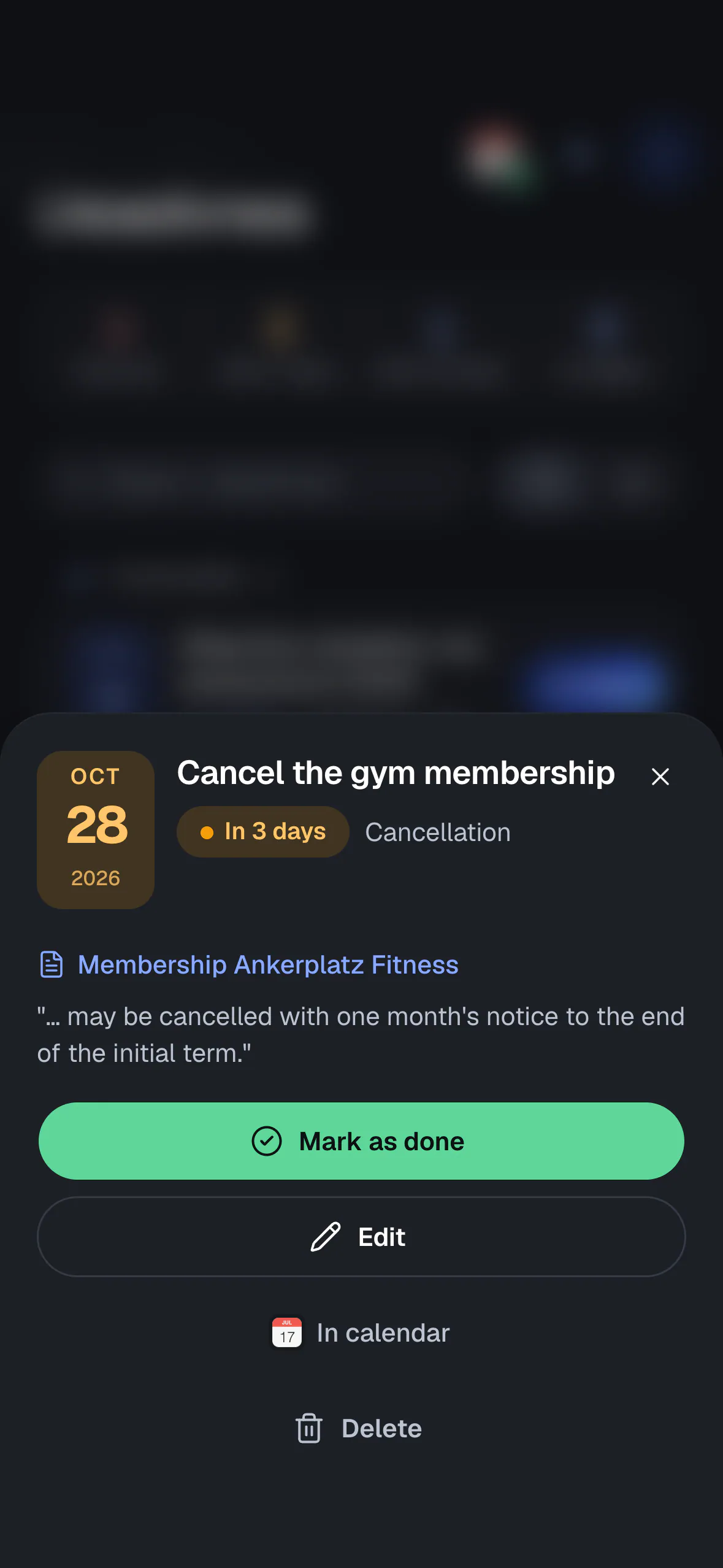
From every document, with the passage from the letter as evidence.
List and calendar
Grouped into overdue, this week and later, plus a month view.
Remind me later
Move it to tomorrow, in three days or next week, always before the deadline.
In your calendar
Google, Apple, Outlook or any other calendar app.
Overview
Most urgent first
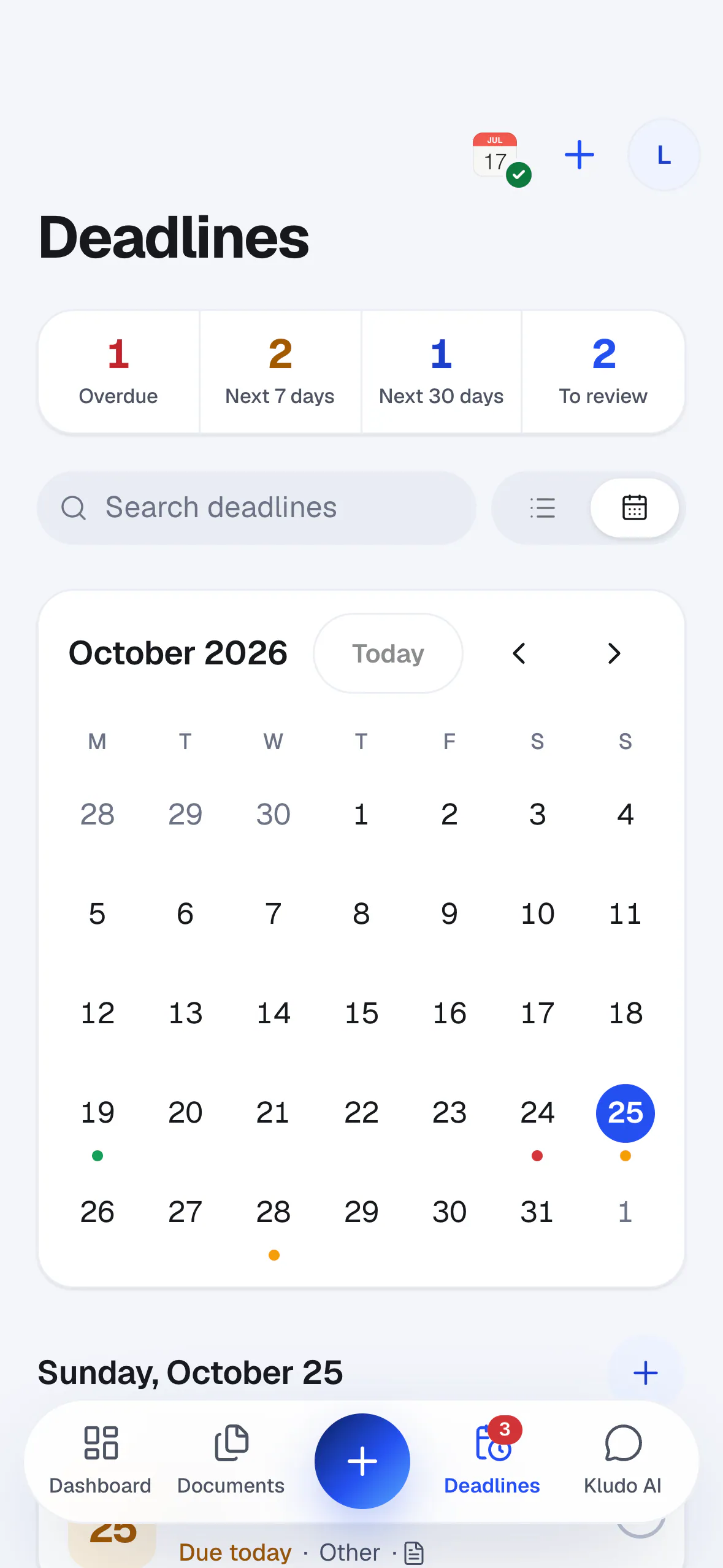
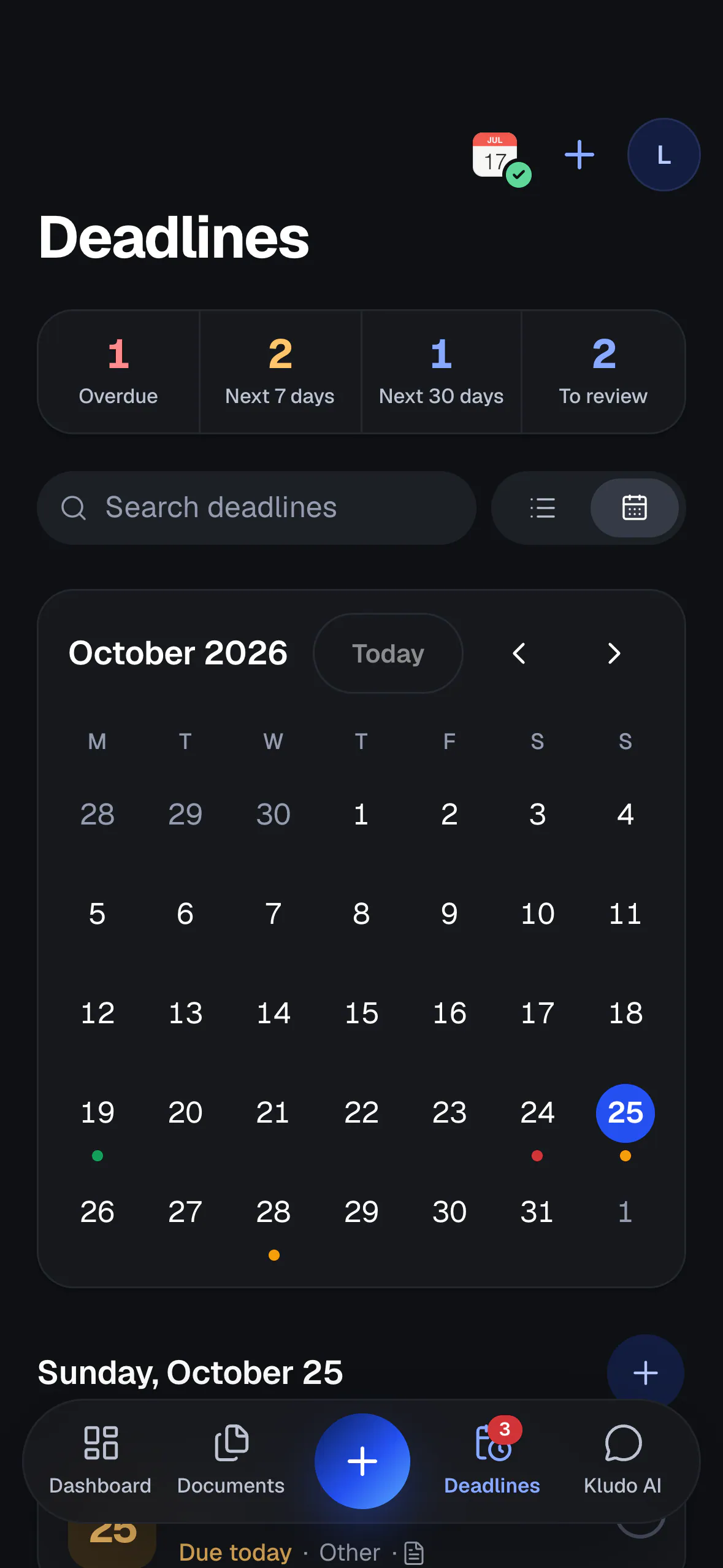
The deadline list sorts itself: overdue in red, then this week, the next 30 days and later. AI suggestions sit under “To review” until you confirm them.
- Search across title, note, type and linked documents
- Tick off and reopen with a tap
- Your own deadlines without a document, for example for your ID card
Calendar
Your month at a glance
The calendar shows each deadline on its day, in the colours of the list. Tapping a day lists all its deadlines and their actions below.
- Today and the selected day stand out right away
- Search jumps to the next match
- Add a new deadline straight for the selected day
Connect
In your own calendar too
Connect Google Calendar, Apple Calendar, Outlook or another app via a private link. New and changed deadlines are transferred automatically.
- Several calendars at once
- Single deadlines can also go to your calendar as a file
- Renew or remove the link at any time
Questions about this
What does my calendar provider see?
Your calendar provider receives the title and date of the subscribed deadlines and stores them under its own terms. The link is private and can be renewed at any time.
How do I correct a detected deadline?
Detected deadlines appear as suggestions. You change the date or title, confirm them with a tap or dismiss them.
Can I add my own deadlines?
Yes, with or without a document. You can also link several documents to one deadline.
Will I get emails about my deadlines?
Yes. By default Kludo reminds you 14 days before a deadline; you set the lead time and delivery in the settings. The email only contains the number and date of the deadlines.
Real app screens with sample data. People, companies and numbers are made up.
Start with the letter in front of you
Create an account and take a photo of your first letter. Kludo takes care of the analysis and filing.
Made in Cologne