Scan letters right on your phone
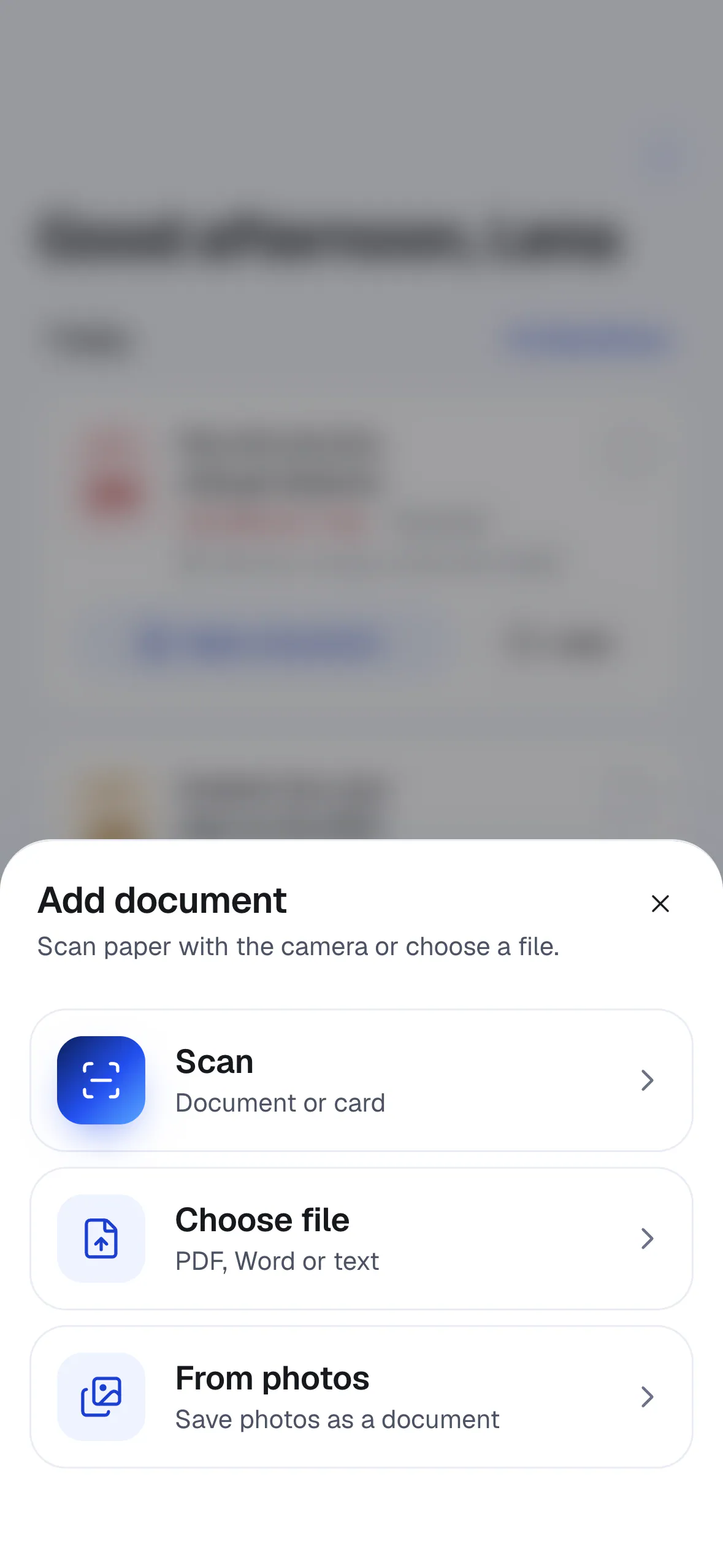
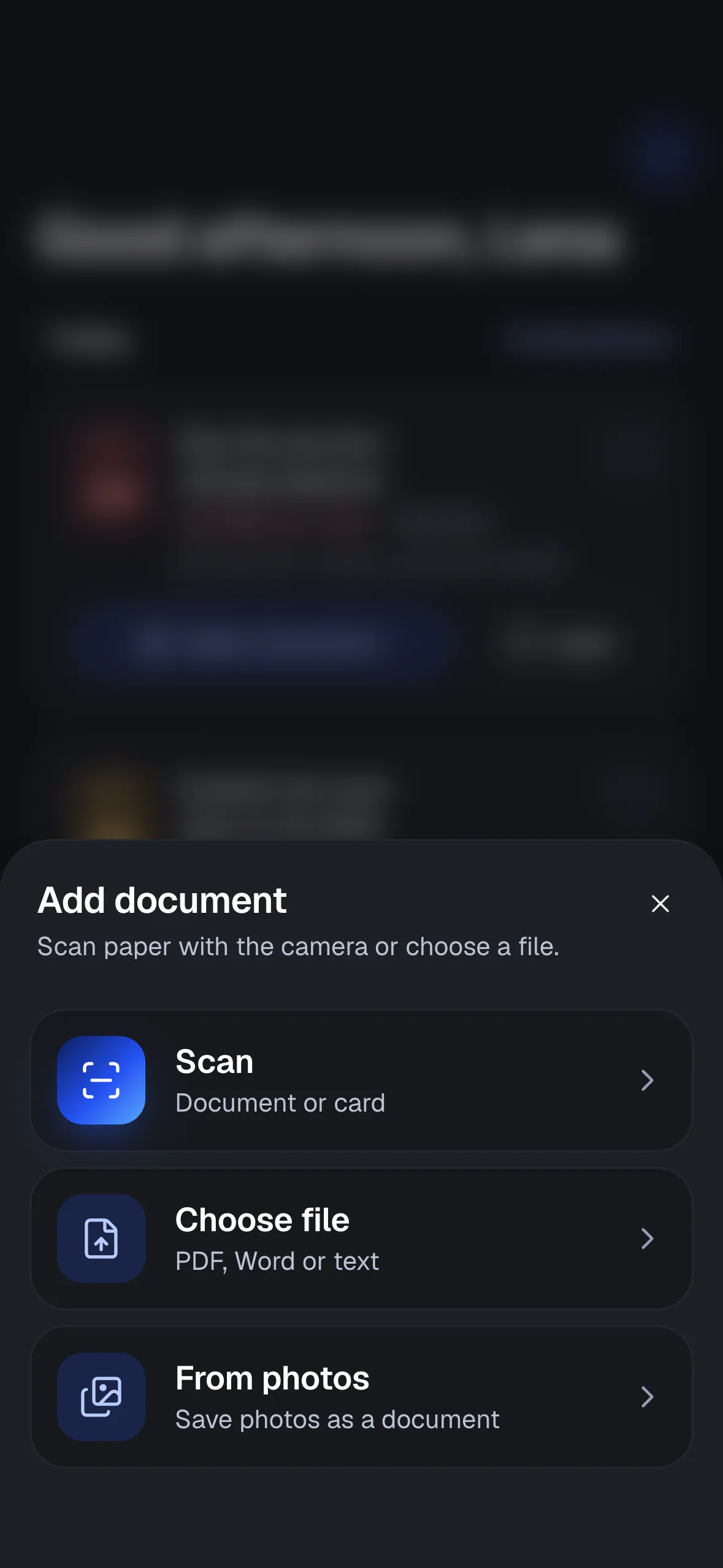
Kludo's scanner detects the edges of your letter, straightens the page and reads the text while still on your phone. On a computer, you drag files into the window.
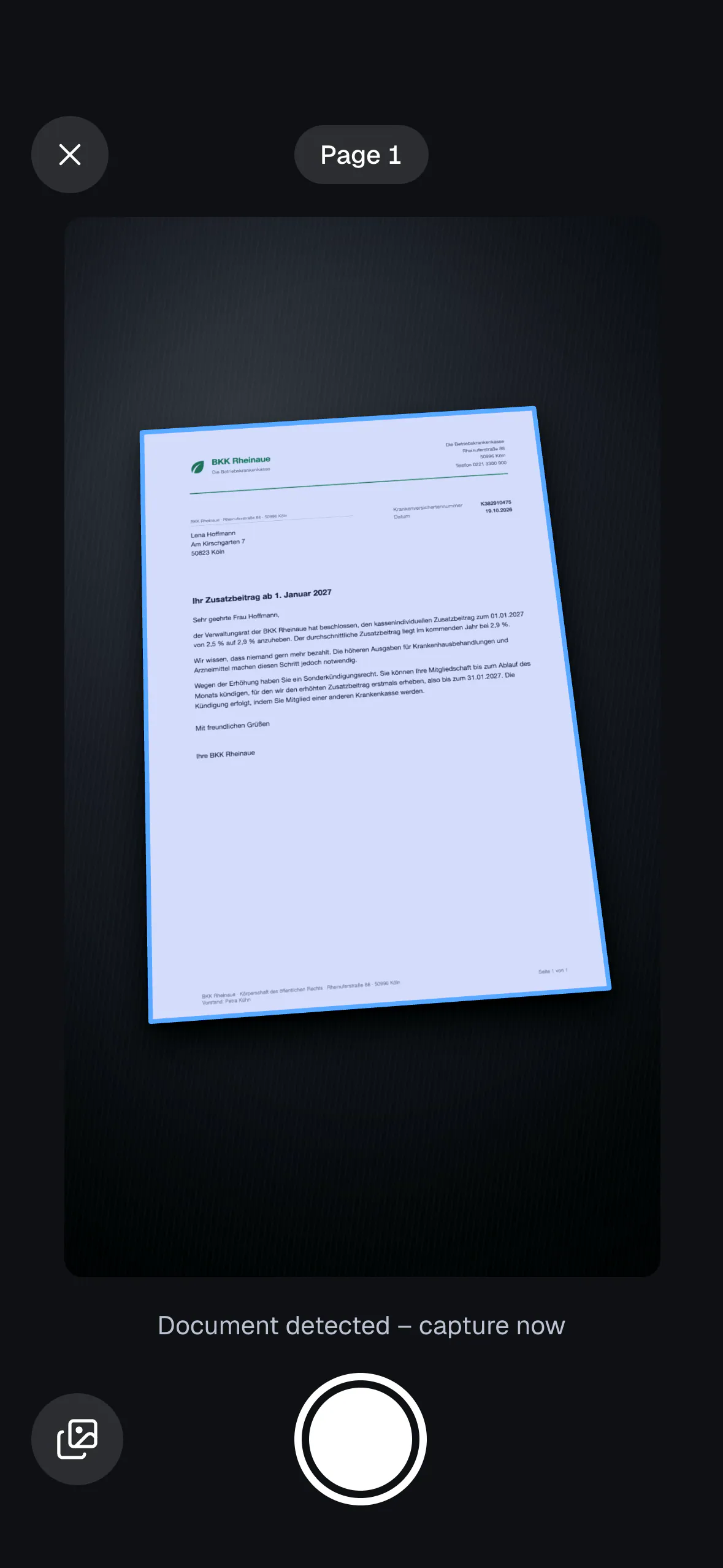
Automatic edge detection
The camera spots the sheet and tells you when to take the shot.
Several pages
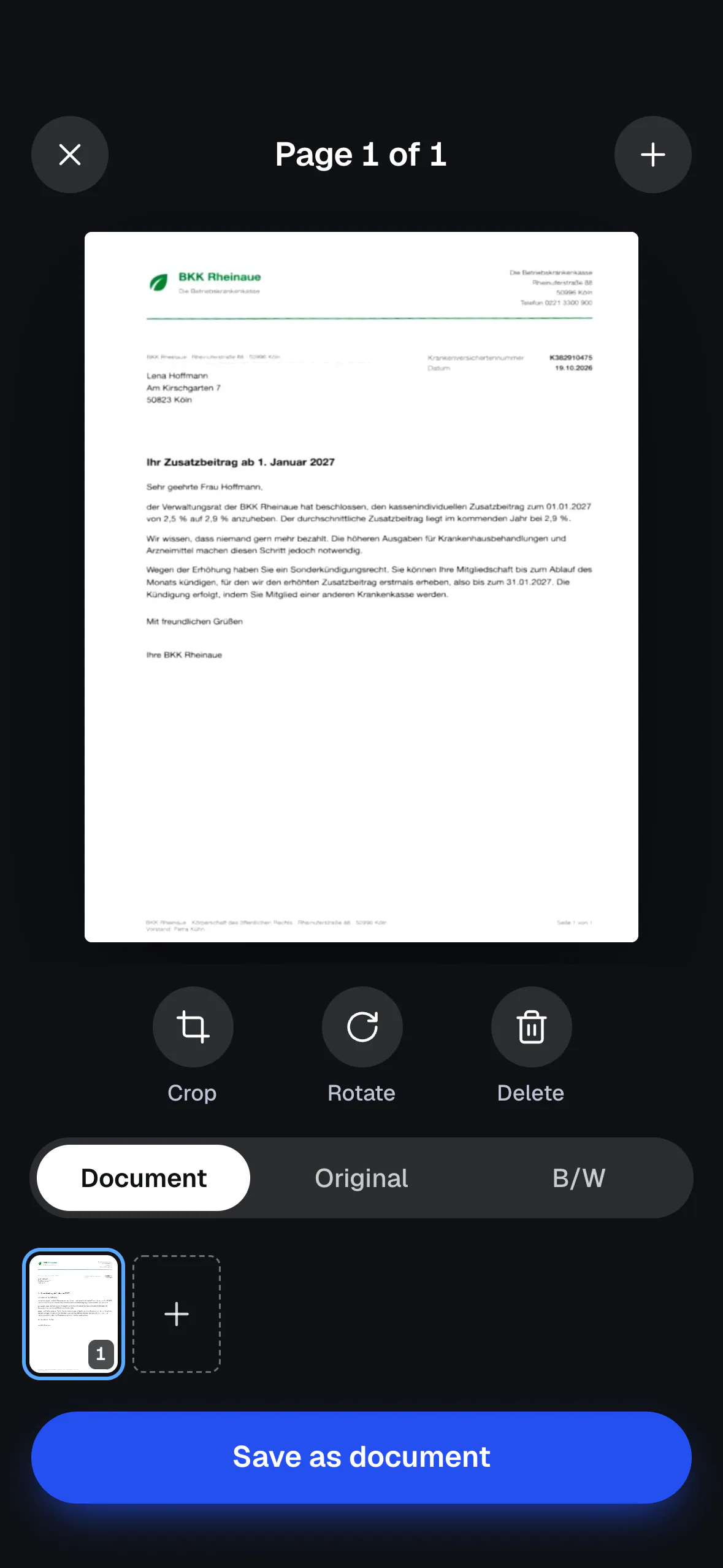
Capture page by page and save as one document or separately.
Text on the device
Text recognition runs on your phone; the document is then uploaded encrypted.
All common files
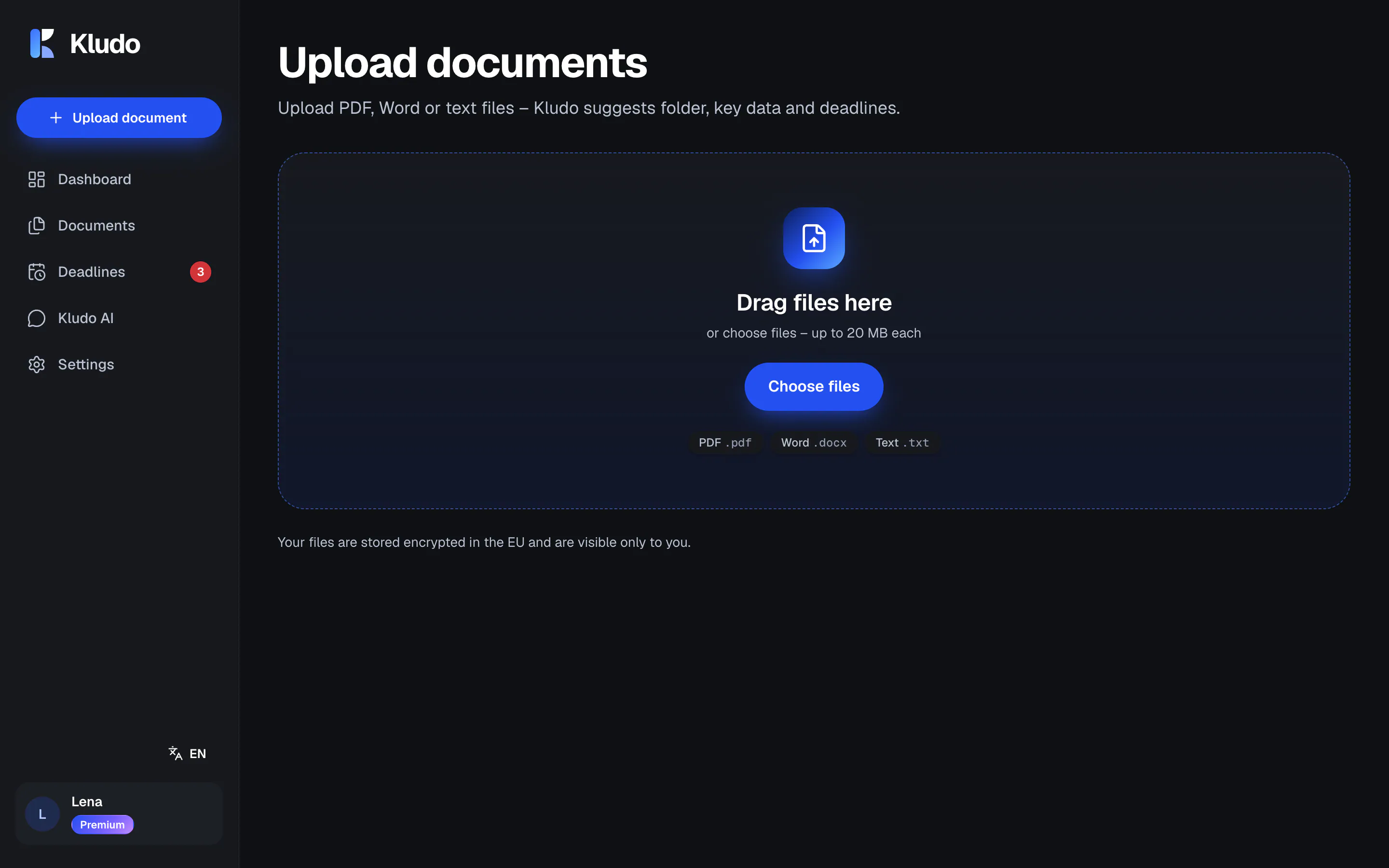
PDF, Word and text up to 20 MB, one at a time or many at once.
Camera
The scanner finds your letter automatically
Place the sheet on a dark surface and hold your phone above it. Kludo frames the page and signals once it is fully in view.
- Live edge detection in the camera view
- Turn on the light in low light
- Photos from your library go through the same scanner
Review
Every page exactly as you need it
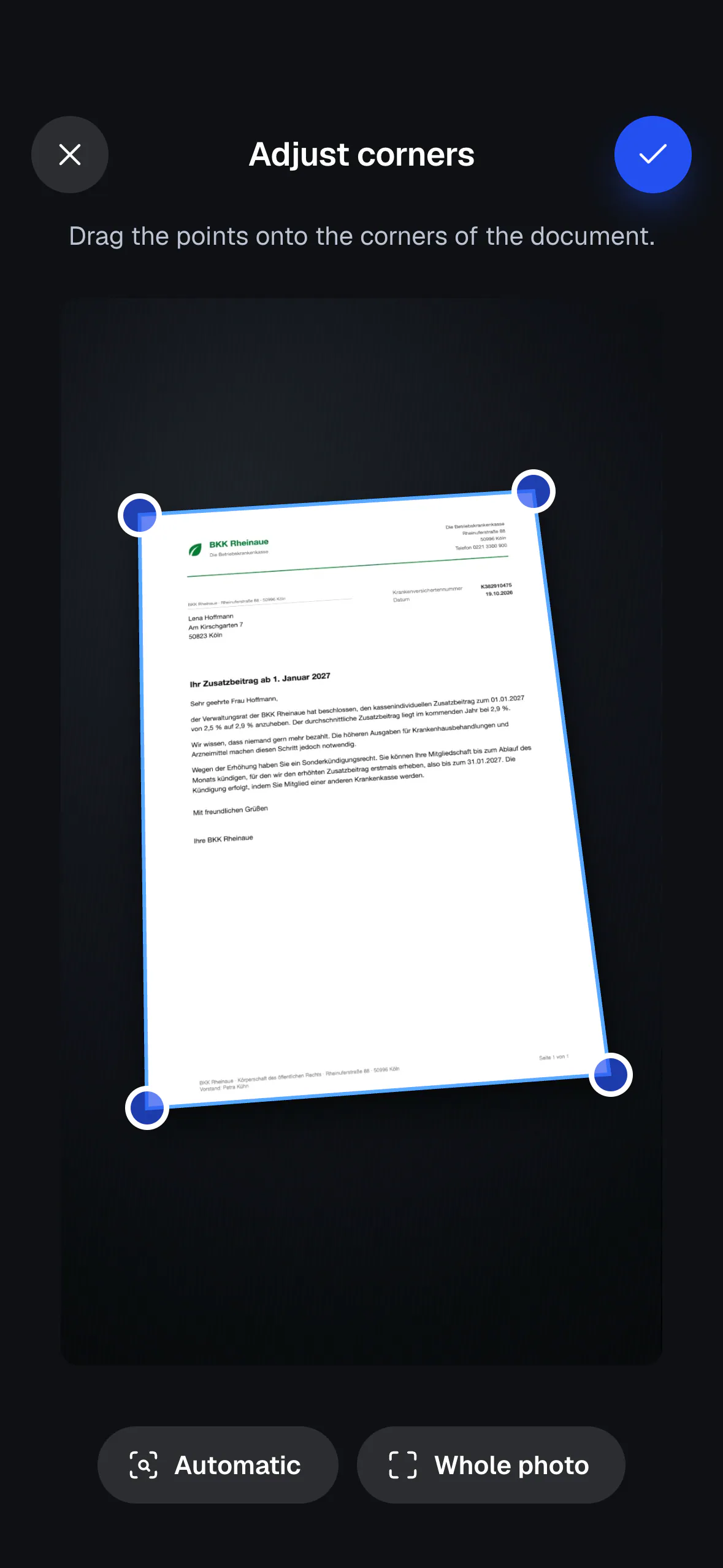
After capturing, you see all pages side by side and can adjust corners, rotate, delete or add pages.
- Adjust corners precisely with a magnifier
- Filters: document, original or black and white
- Save as one document with all pages or as separate documents
Upload
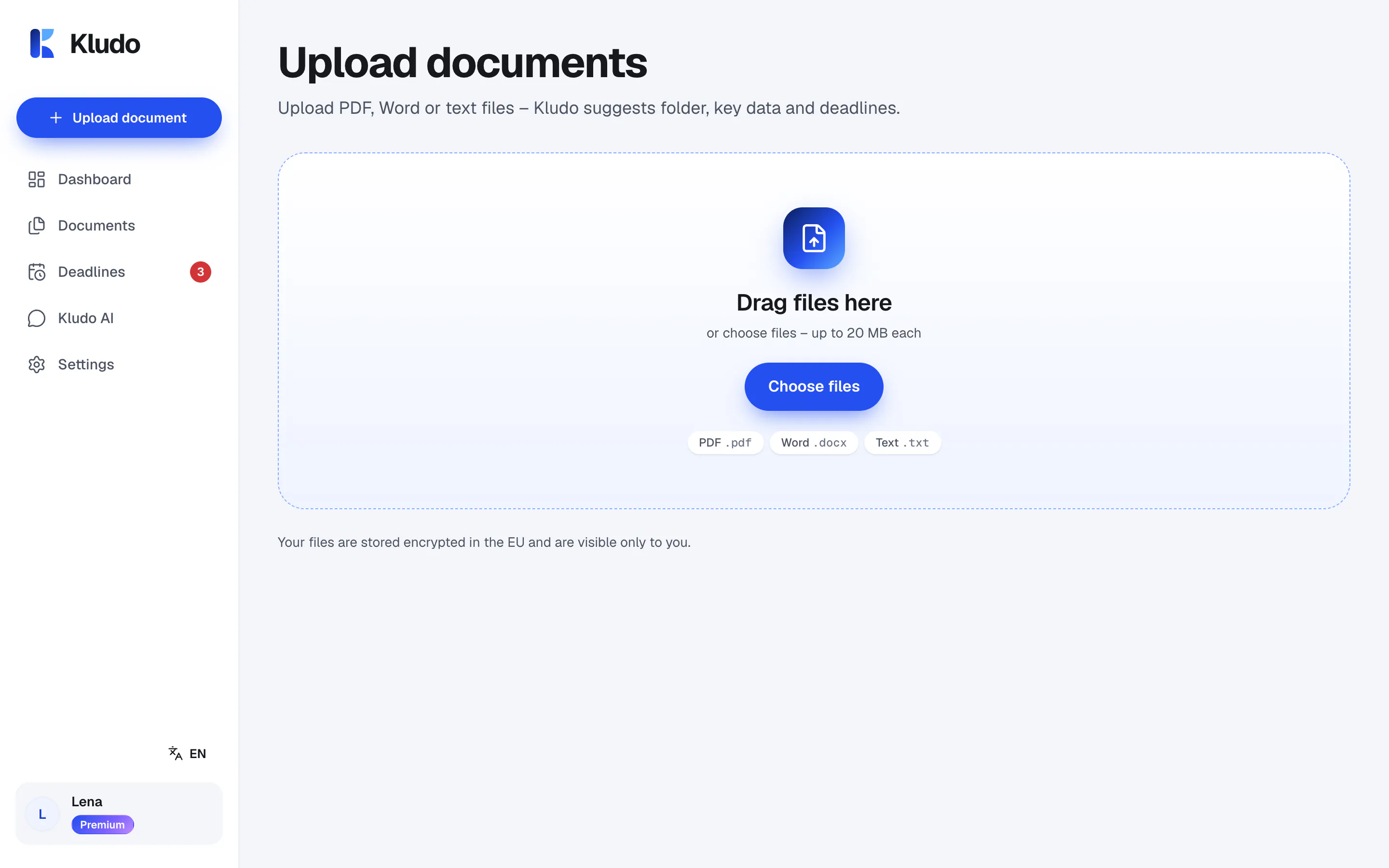
Drag and drop on your computer
Drag PDFs, Word or text files into the window, several at once if you like. Kludo uploads them and analyses each one.
- Accept all folder suggestions with one click
- Kludo notices when a document is already there, even as a new scan
- Save older formats such as .doc or .odt as PDF or Word first
Questions about this
Why do I need a dark surface?
The scanner looks for the bright edges of the sheet, which it detects fastest on a dark surface. Alternatively, you adjust the corners manually.
Can I scan on a laptop?
The scanner is designed for phones and tablets. On a computer, you upload files, for example PDFs from your scanner or inbox.
Do I need the internet for text recognition?
Text recognition runs on your phone. Kludo downloads the language pack once on the first scan, and uploading requires a connection.
How many pages can a scan have?
As many as fit in 20 MB. Very long contracts can be saved as several documents.
Real app screens with sample data. People, companies and numbers are made up.
Start with the letter in front of you
Create an account and take a photo of your first letter. Kludo takes care of the analysis and filing.
Made in Cologne