Everything in its place and found instantly
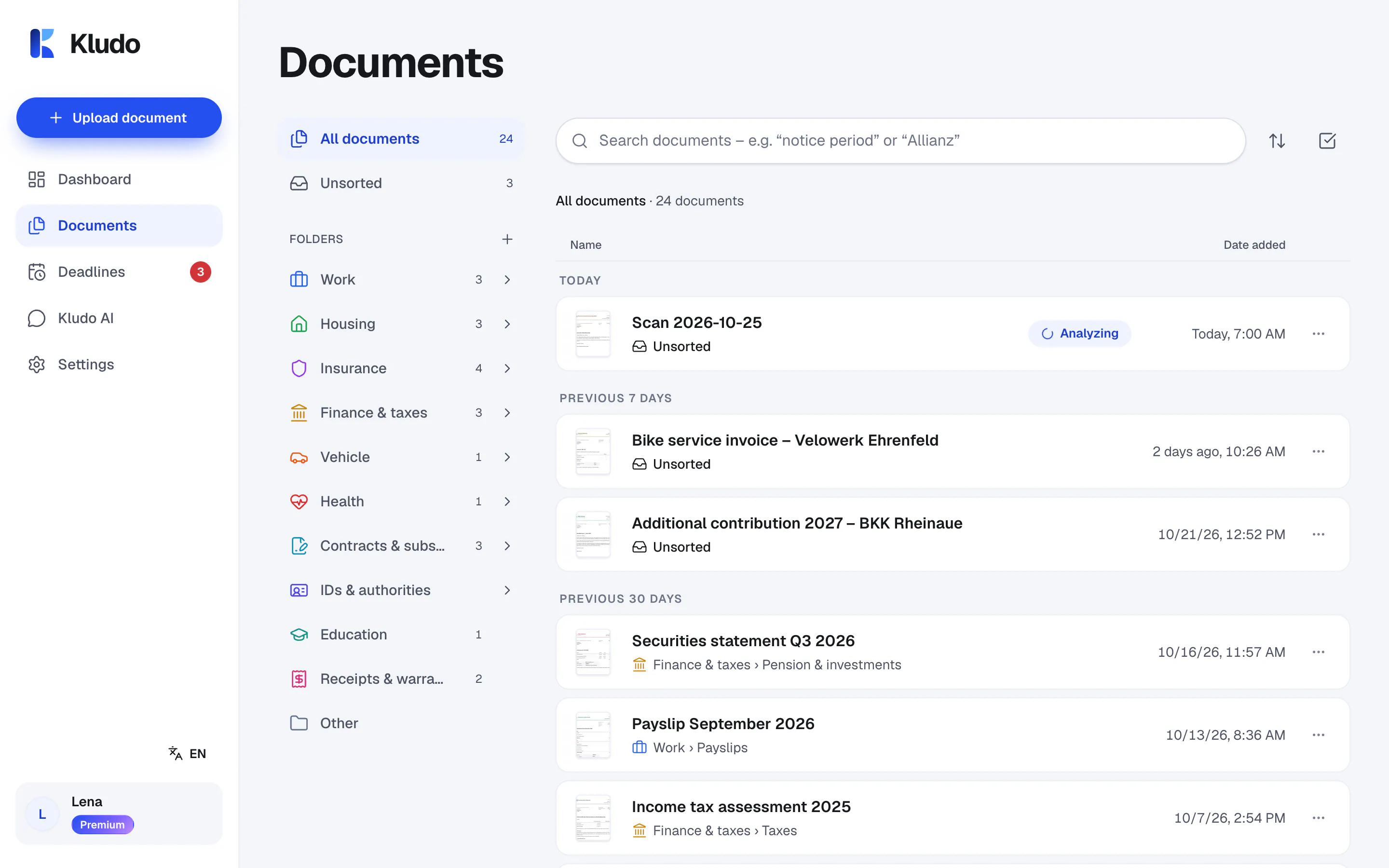
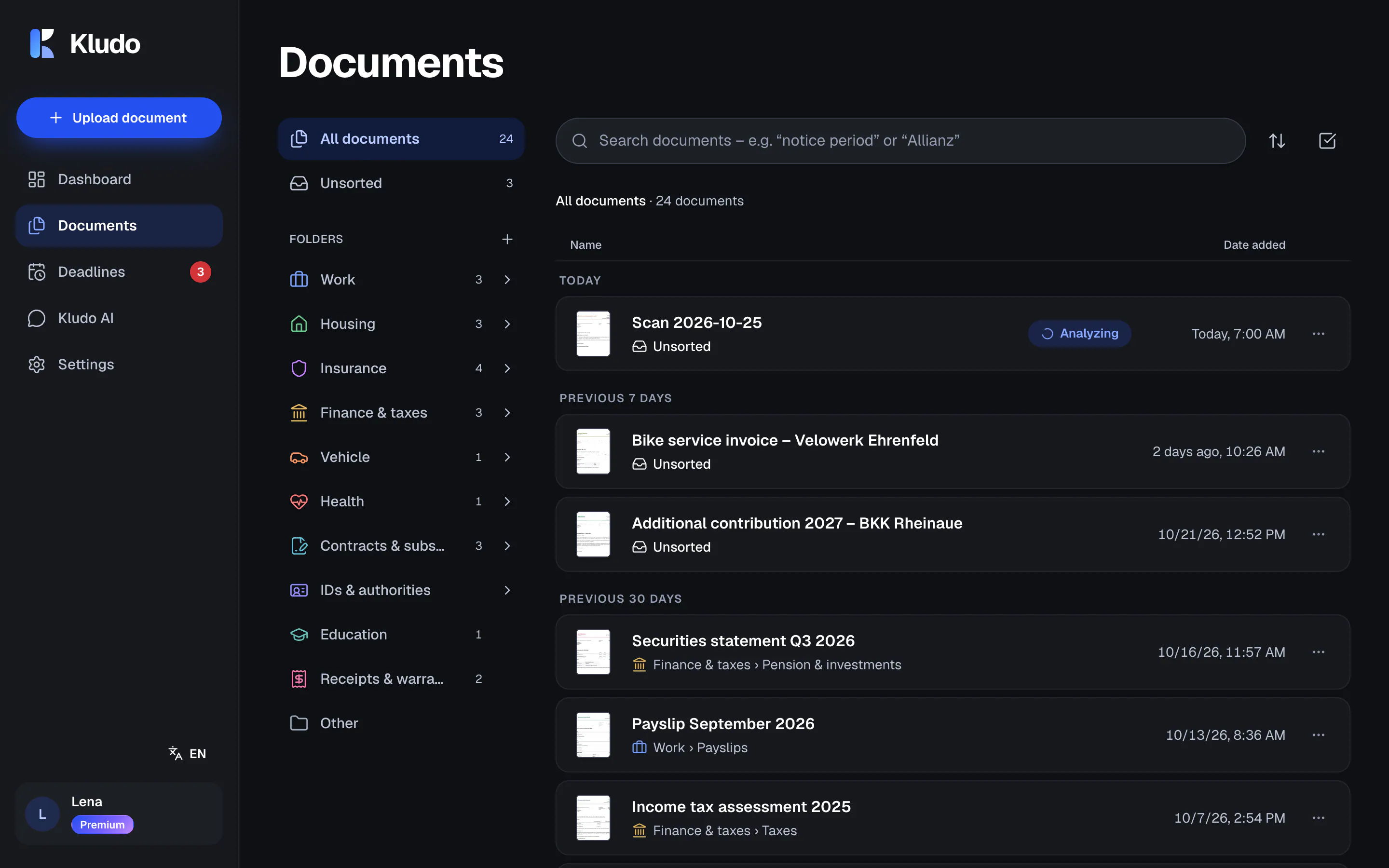
Kludo comes with a ready-made folder structure and suggests the right place for every document. To find it again, one word it contains is enough.
Folders from day one
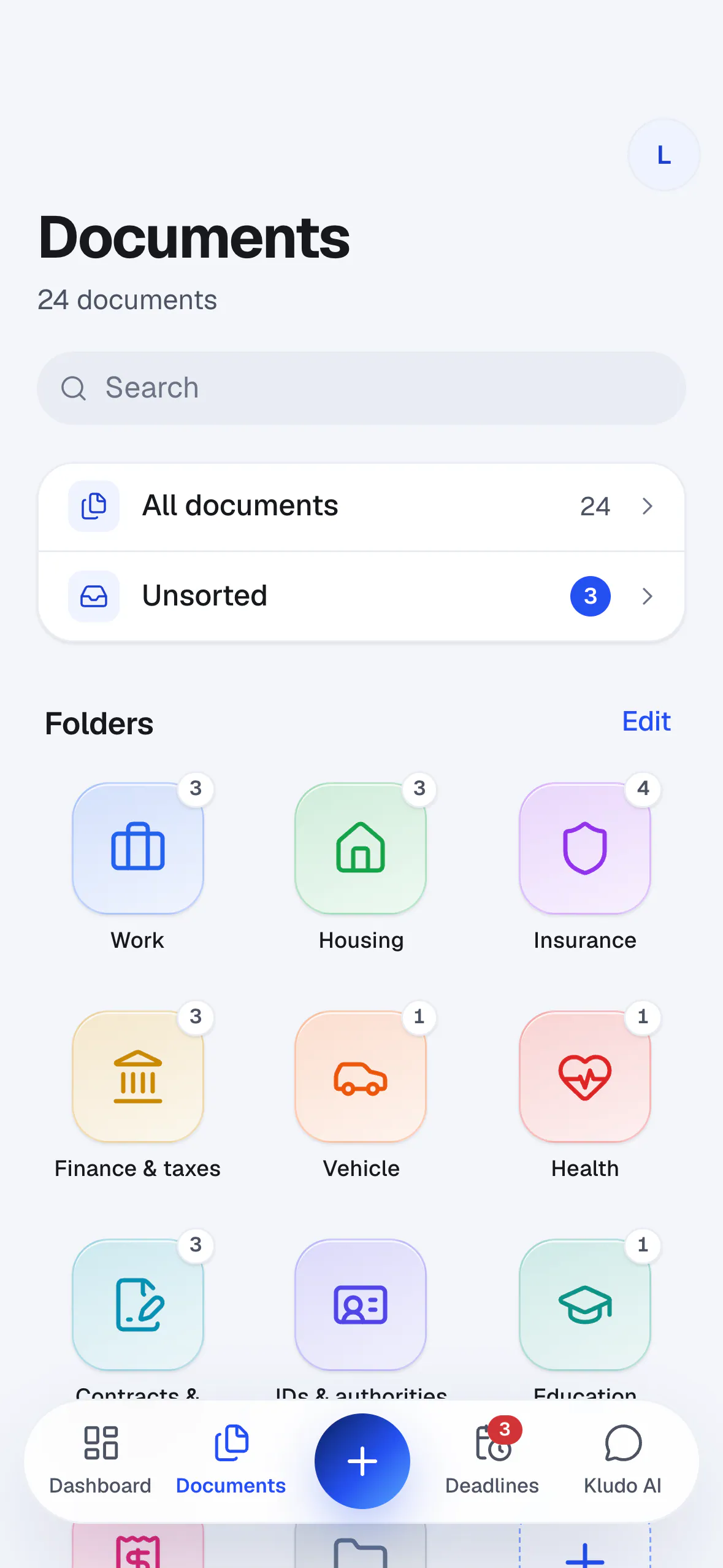
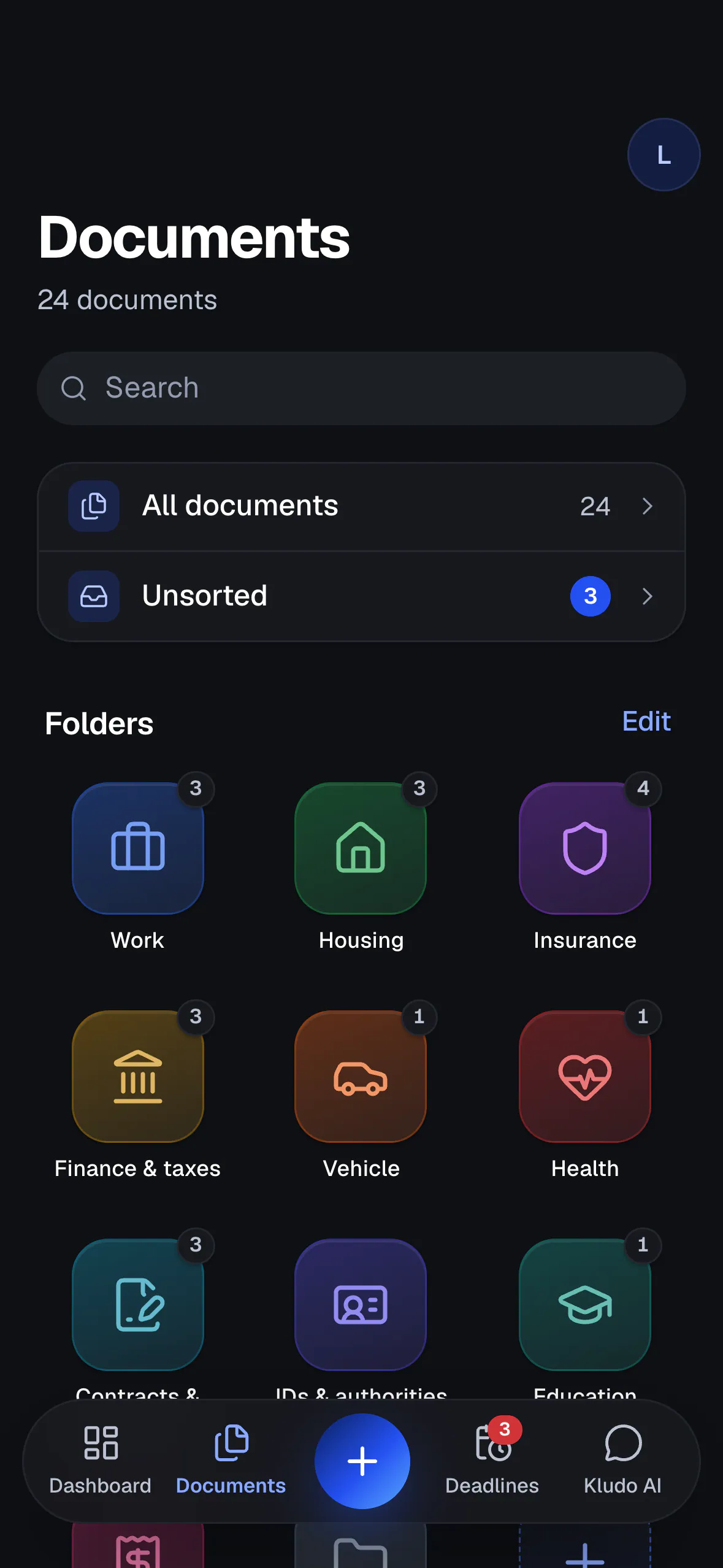
Work, housing, insurance, finance, vehicle and more, each with subfolders.
Right folder suggested
Kludo suggests the folder and you confirm with a tap.
Full-text search
Search covers the entire text, including scans.
Your own folders
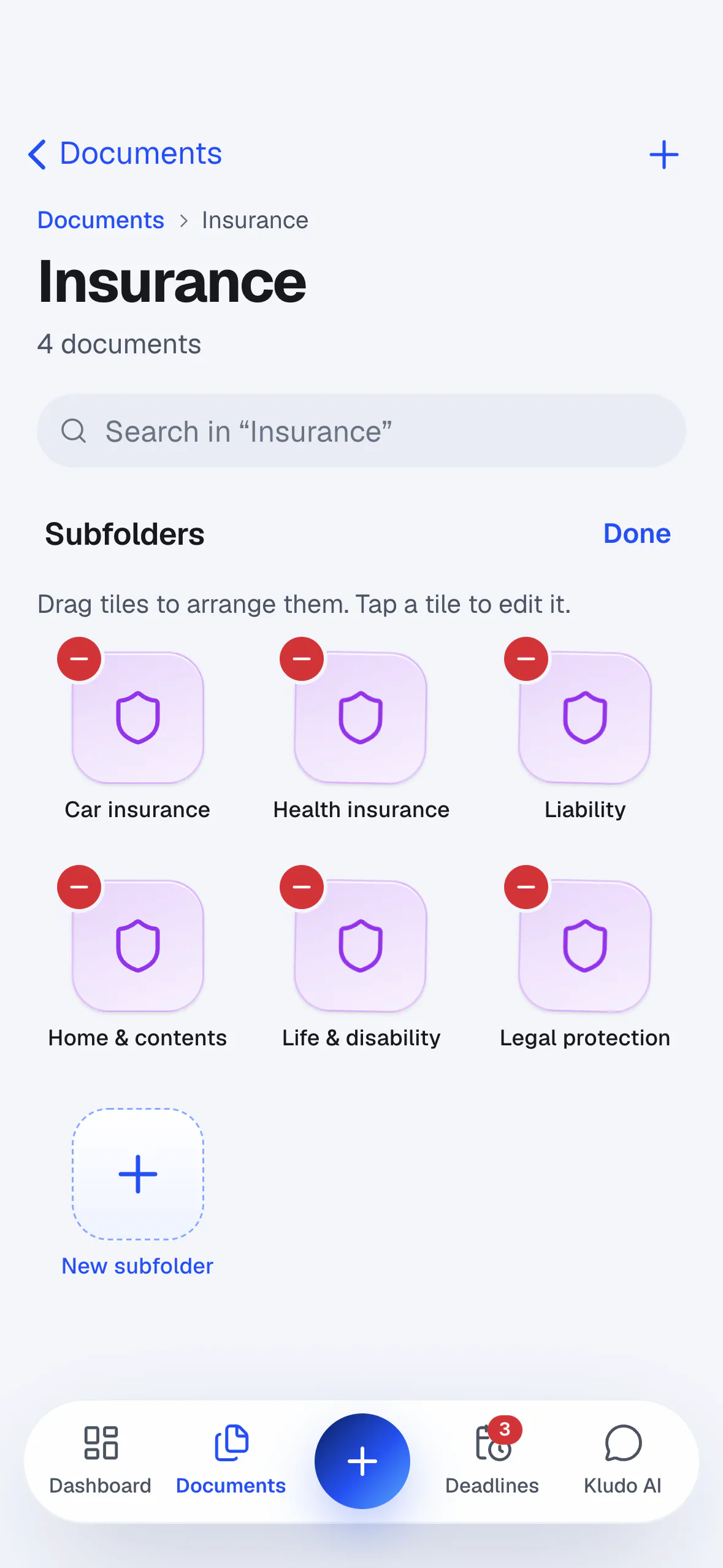
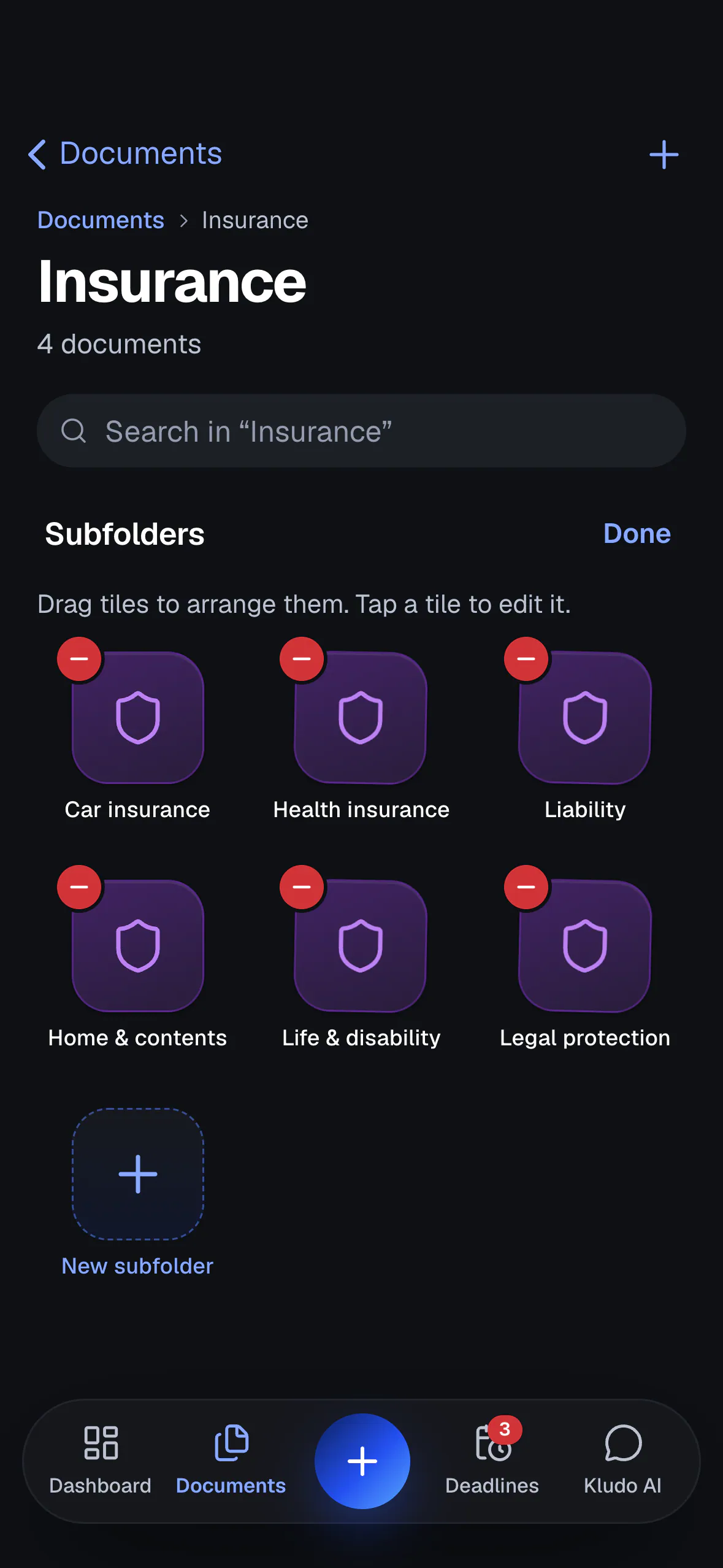
Create, rename and sort folders and give each one its own icon and colour.
Folders
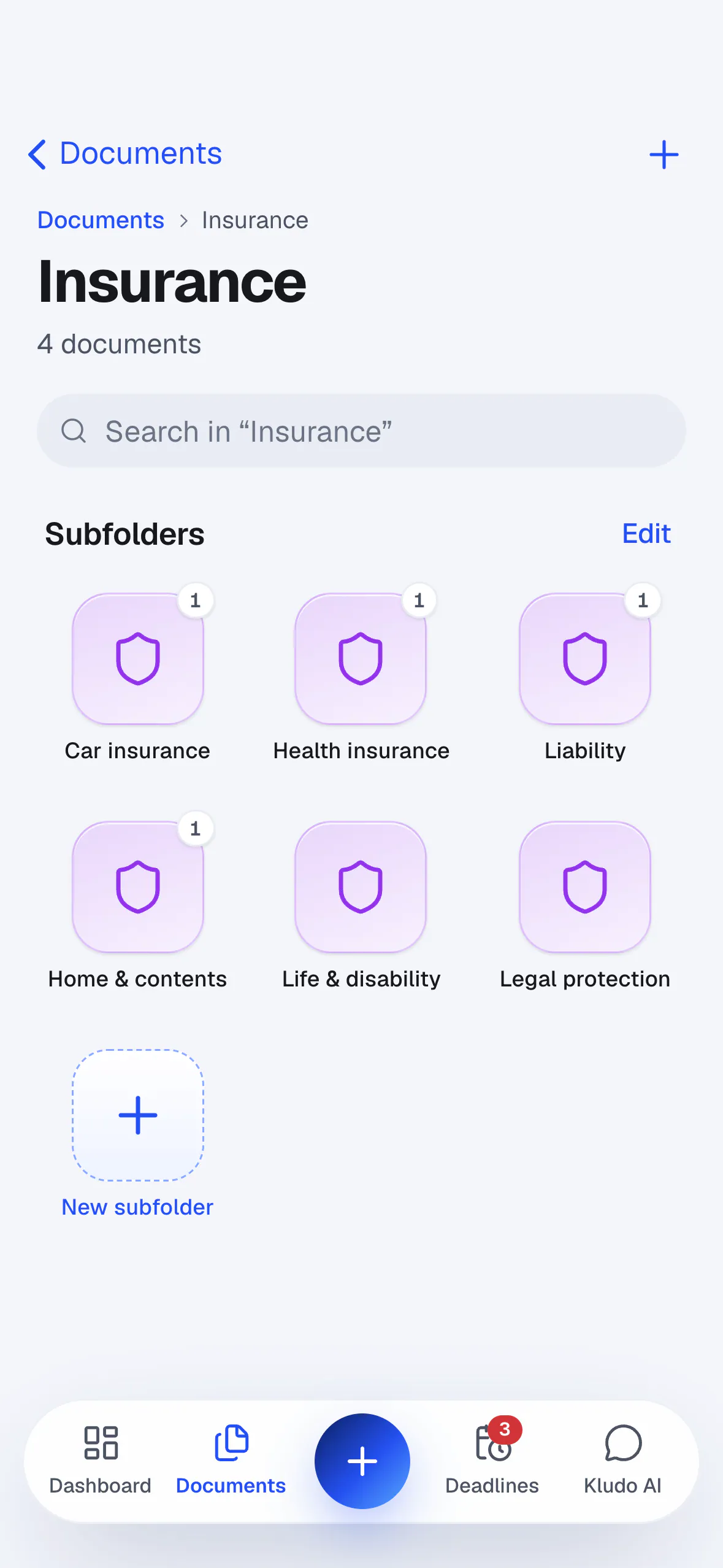
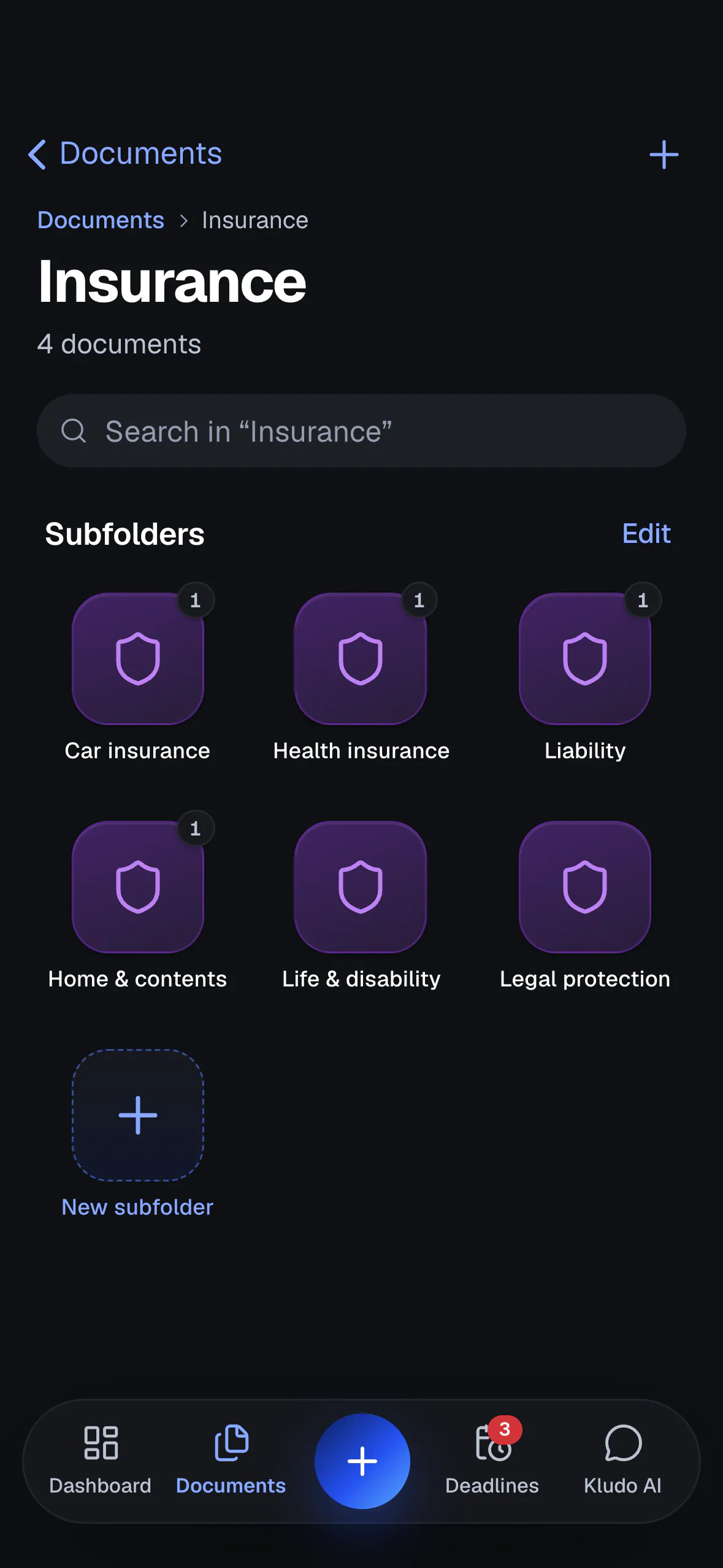
Folders like apps on your home screen
On your phone, folders appear as tiles with an icon and a counter. Above them, “All documents” and “Unsorted” lead straight to all your paperwork and to what still needs a folder. In edit mode you rearrange tiles by dragging.
- Subfolders only show what's filed directly in them
- Select several documents and move them at once
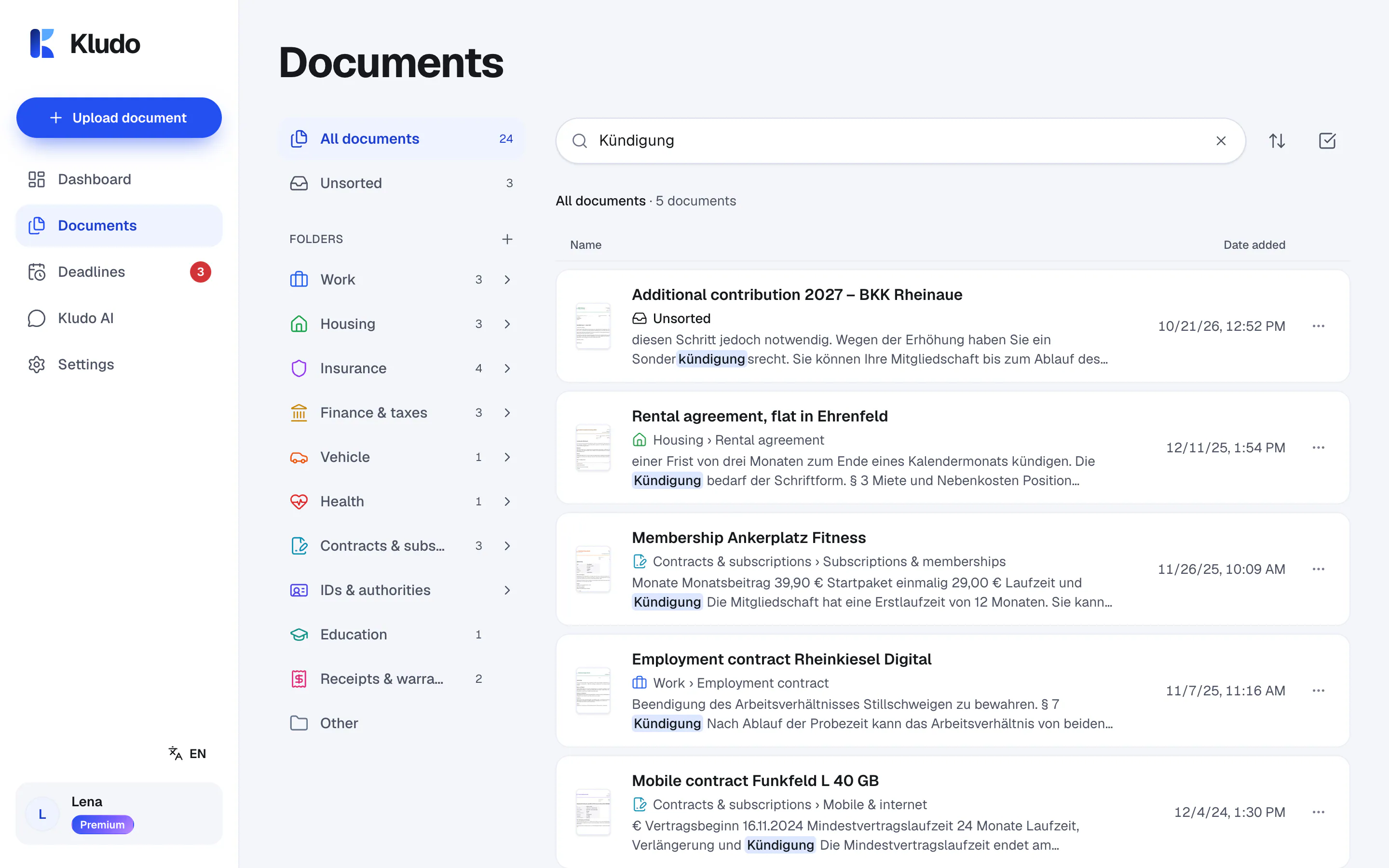
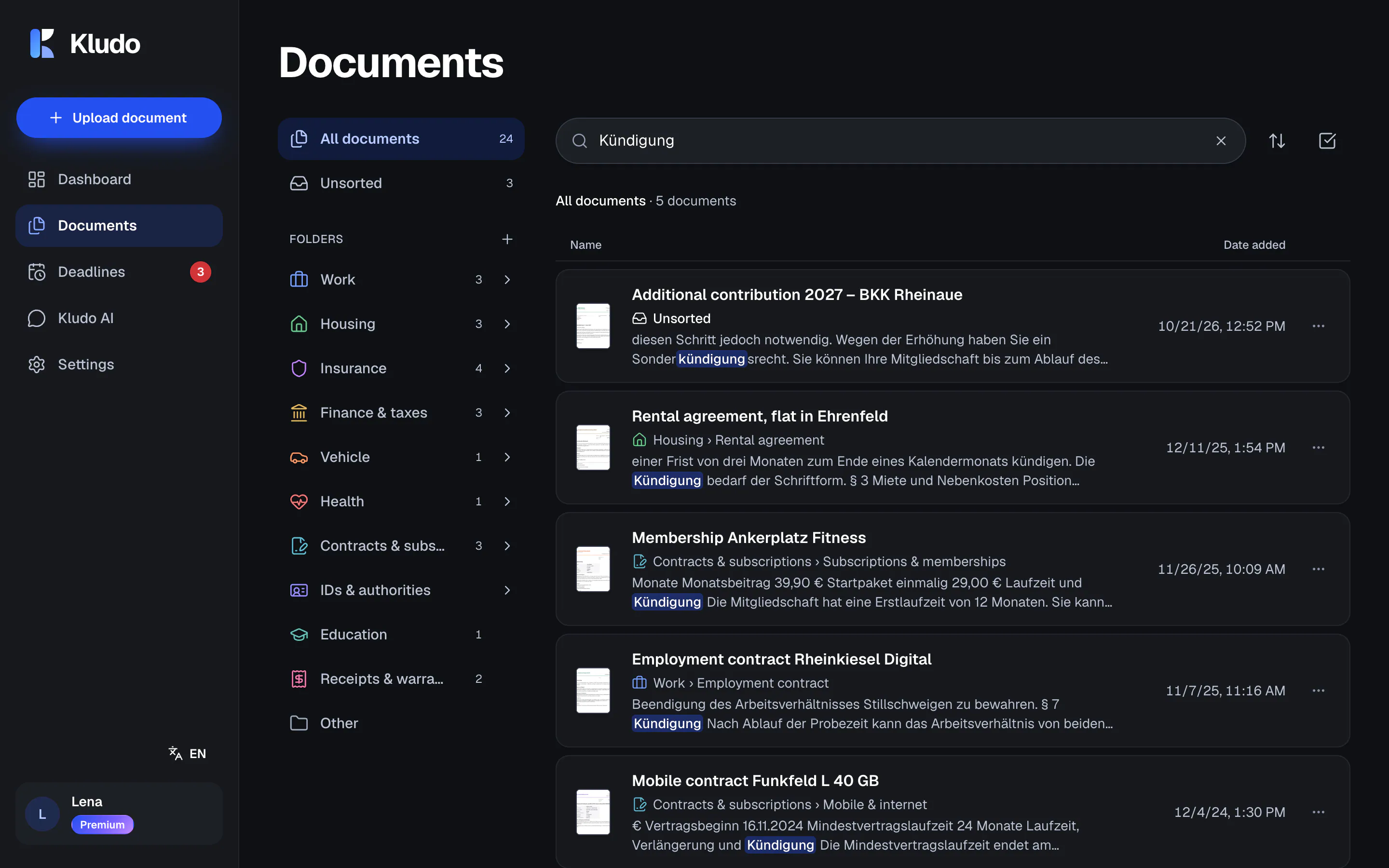
- On a computer: folder tree on the left, list on the right
Search
One word is enough
Search for “cancellation”, “deductible” or a contract number. Kludo finds every word in the text and the first letters of titles, senders and file names.
- Regardless of capitalisation and accents
- Works across encrypted content
- In deadlines and in your chats with Kludo AI too
Your own folders
Your system, your way
Create your own folders and subfolders and arrange them in the order that suits you. Kludo includes your own folders in new suggestions.
- Subfolders in every folder, including the default ones
- In edit mode, drag tiles, rename or delete them
- Your own icons and colours for every main folder
- Work
- Housing
- Insurance
- Finance & taxes
- Vehicle
- Health
- Contracts & subscriptions
- IDs & authorities
- Education
- Receipts & warranties
- Other
Questions about this
Does Kludo file things automatically?
Kludo suggests a folder and you decide. That way every document is exactly where you expect it.
Who creates new folders?
You create new folders yourself. Until you choose a suitable folder, the document stays under “Unsorted”.
Can I change colours and icons?
Yes. Every main folder can have its own icon and colour, including the default folders. Subfolders take on the design of their main folder.
How exactly does search work?
Search finds whole words throughout the text and, in titles, also the beginnings of words. This method makes it possible to search encrypted documents.
Real app screens with sample data. People, companies and numbers are made up.
Start with the letter in front of you
Create an account and take a photo of your first letter. Kludo takes care of the analysis and filing.
Made in Cologne