Your key numbers, at hand and protected
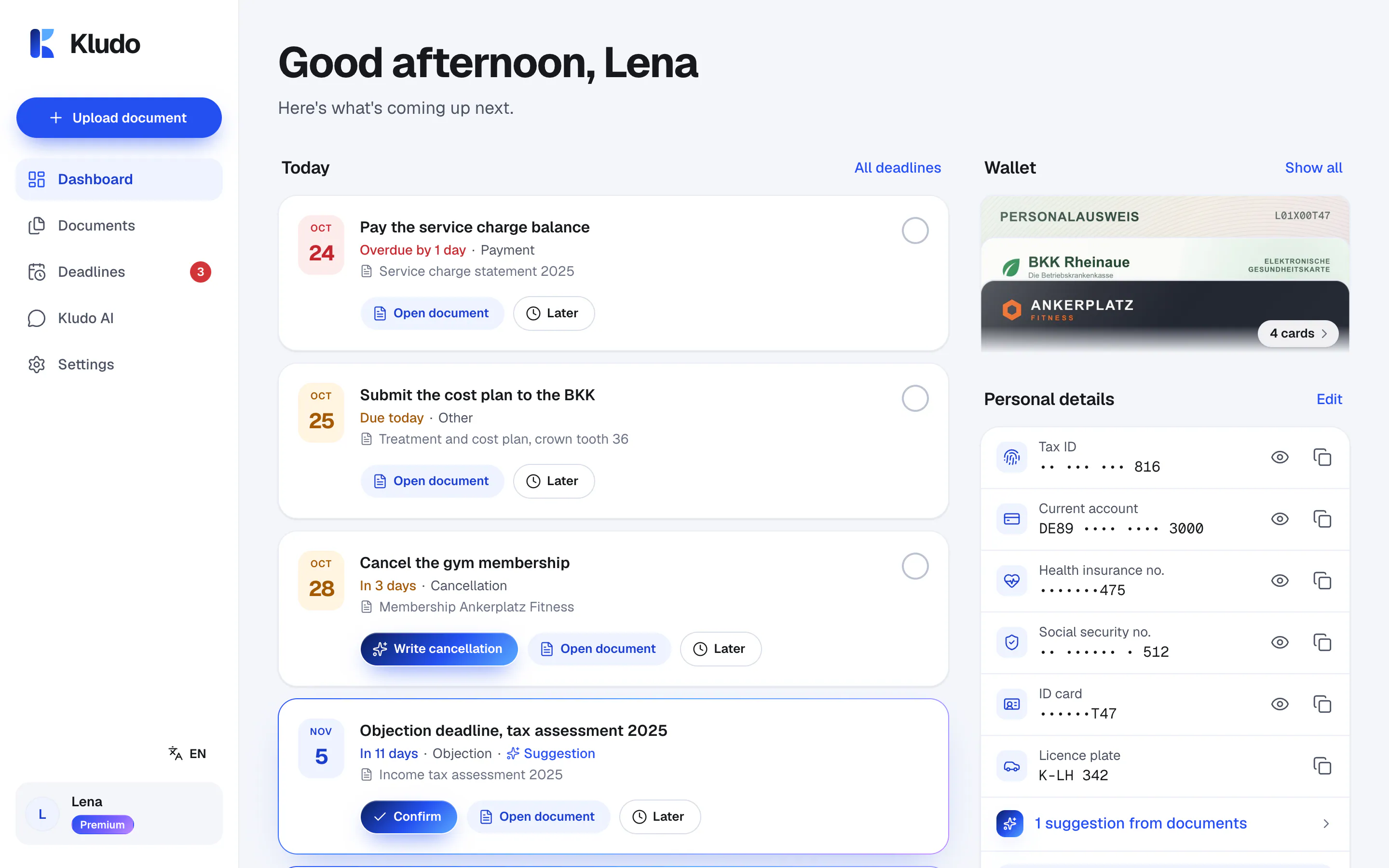
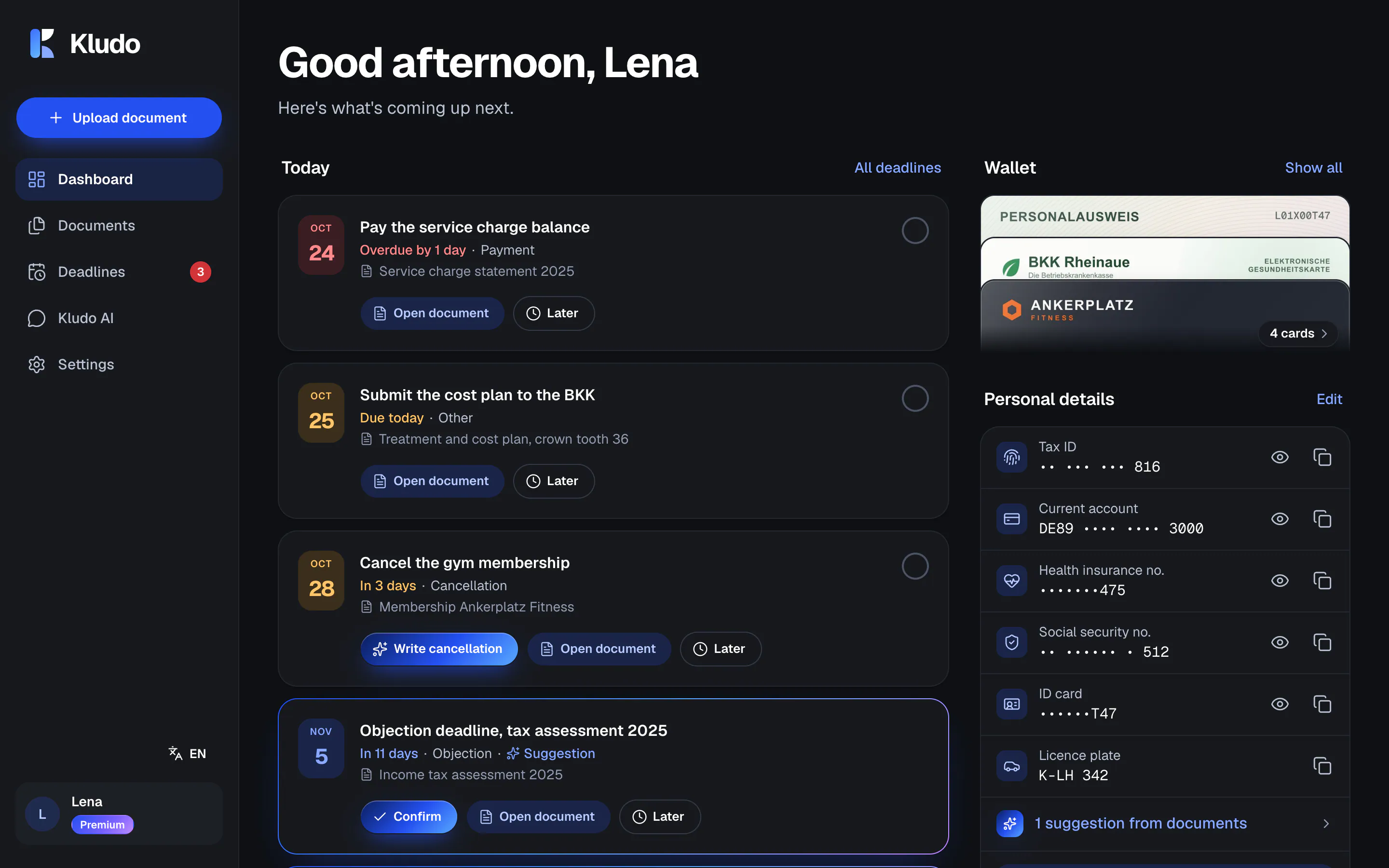
Tax ID, IBAN and insurance number, the numbers almost every form asks for, sit on your dashboard. They are shown masked and can be copied with a tap.
Shown hidden
Only the last characters are visible, for the IBAN the country and the end.
Copied with a tap
Without spaces, in the format forms expect.
From your documents
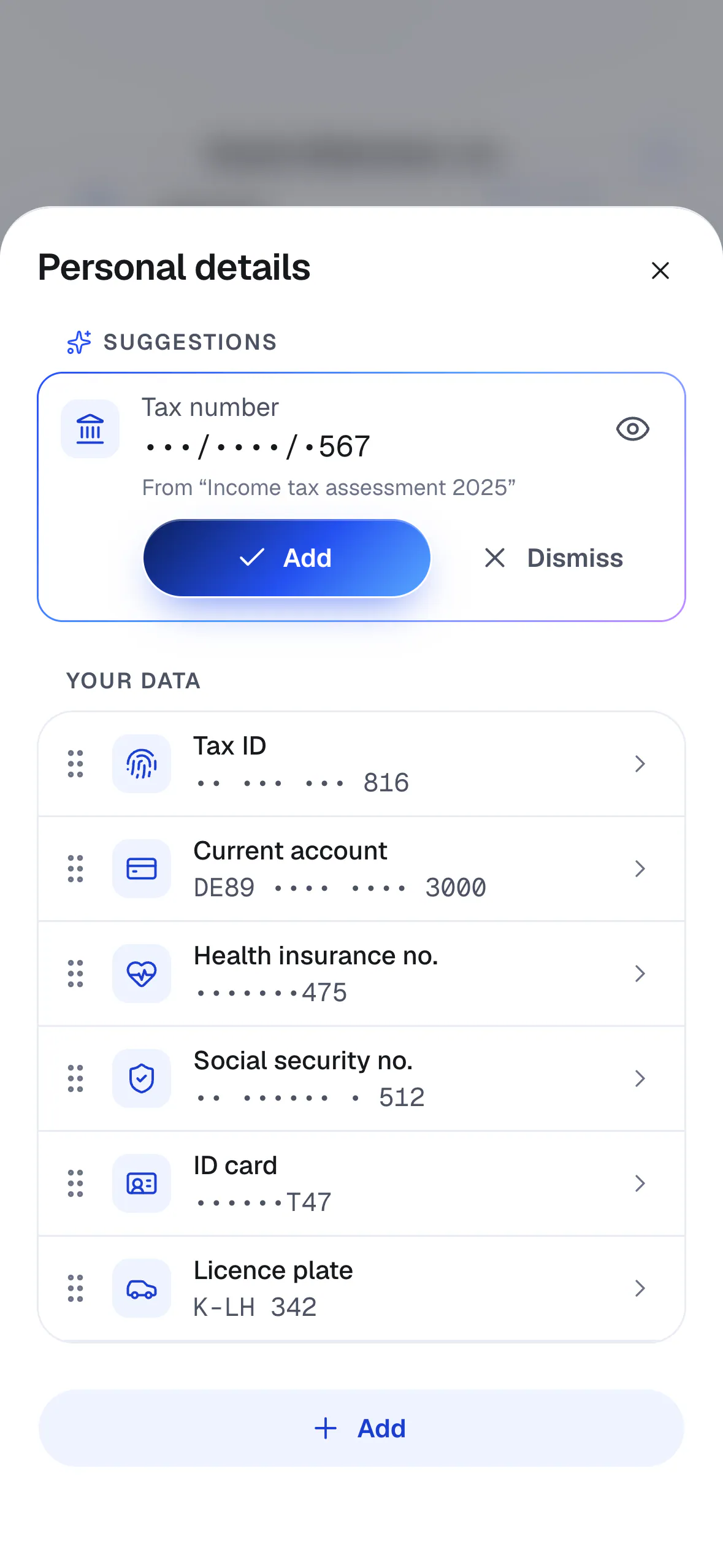
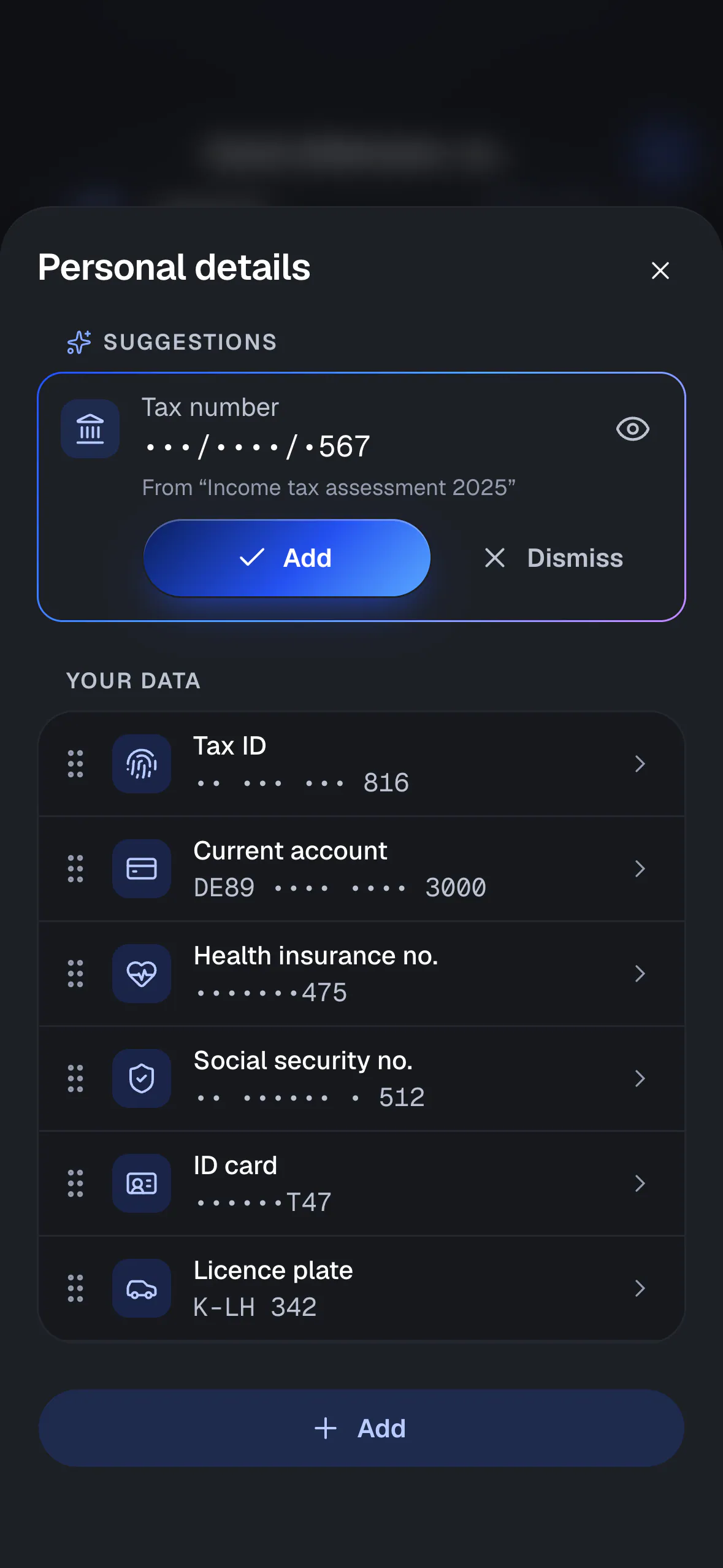
Kludo recognises your numbers in your documents and suggests them.
Encrypted
Name and number are stored encrypted only.
Dashboard
Key numbers right on your dashboard
Your key numbers are listed on the dashboard. The eye icon reveals a number, and it is masked again as soon as the app moves to the background.
- Copying works while hidden too
- The licence plate stays visible, all other numbers are masked
- You choose the order
Suggestions
Kludo recognises your numbers
During the analysis, Kludo recognises your own numbers, such as the tax ID on a payslip or the tax number in an assessment. You add them with a tap.
- With the source: which document the number comes from
- Only your own numbers
- Accept or dismiss suggestions with a tap
Wallet
Your most important cards in the wallet
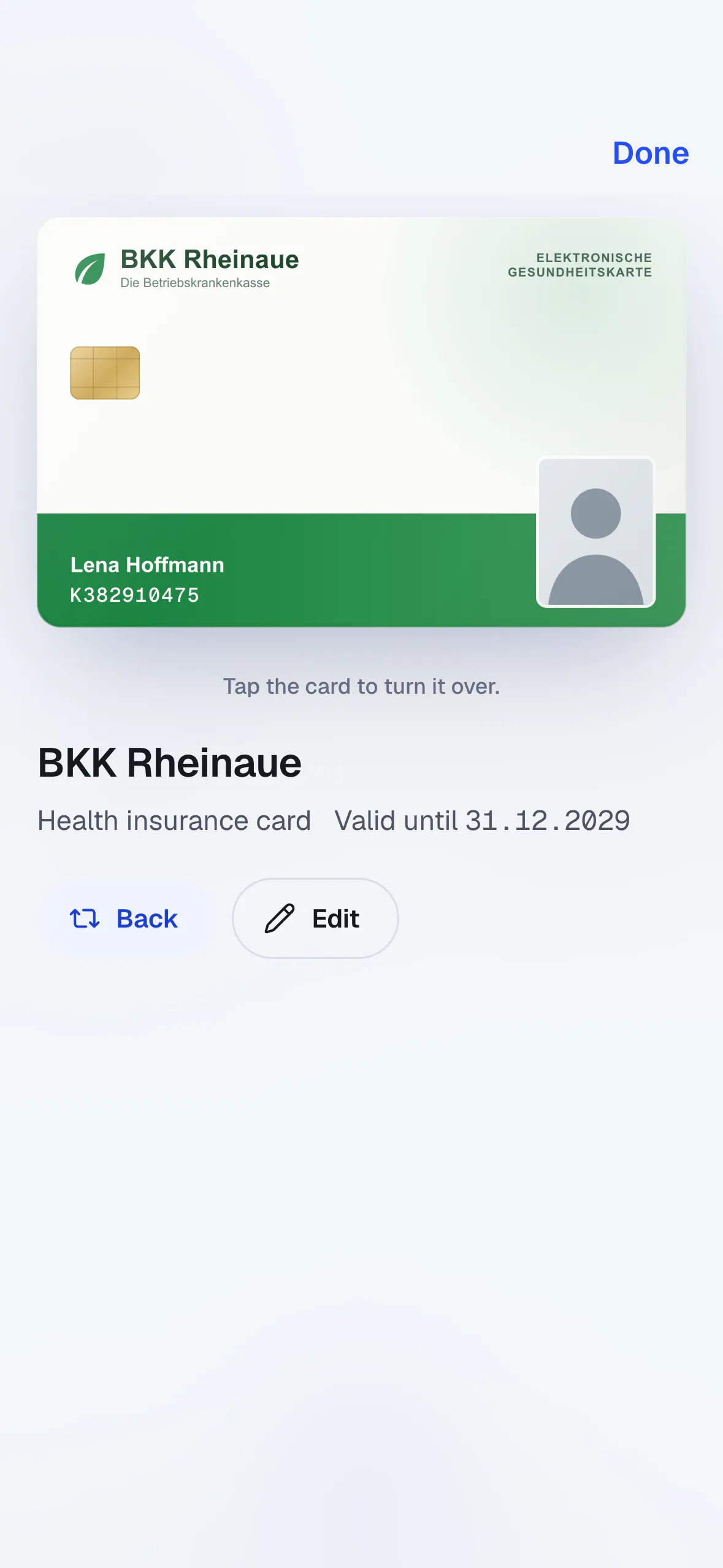
The wallet keeps your ID card, health insurance card, driving licence and membership cards with front and back. One tap brings a card forward, a second turns it over.
- Detected, cropped and straightened automatically while scanning
- Front and back, turned over with one tap
- Stored encrypted, ID documents marked “Copy”
Questions about this
How do I reveal masked numbers?
With a tap on the eye icon. As soon as the app moves to the background, the numbers are masked again.
Is it safe to store my IBAN in Kludo?
Your IBAN is stored encrypted with your key and decrypted for you alone. Two-factor sign-in adds further protection to your account.
How do I handle suggested numbers?
Suggestions only appear on the dashboard once you confirm them. You accept or dismiss them with a tap.
Real app screens with sample data. People, companies and numbers are made up.
Start with the letter in front of you
Create an account and take a photo of your first letter. Kludo takes care of the analysis and filing.
Made in Cologne